
Creator
Features

Search layers by name in matte and parent pickers, and read nested structures at a glance with new outliner hierarchy lines.
Creator
Features

Capture a frame and compare it against your live canvas - plus After Effects style pick whip for faster parenting and track mattes.
Creator
Features

Start scenes at any frame and find menu actions faster with a new filter - plus quicker timeline navigation and richer remix link previews.
Creator
Features

Add dashed strokes with full property panel controls and timeline rows - animate dashed lines without workarounds.
Creator
Enhancement

Smaller .lottie exports for files using image Motion Tokens, plus fixes that keep themed images intact when you reopen a file.
Creator
Enhancement
Transform multiple groups, or groups and layers together, with world-space accuracy - plus new null layer APIs in Creator API Types.
Creator
Announcements

Lottie Creator now supports WebMCP with CodeMode, letting AI agents chain actions directly instead of calling tools one by one.
Creator
Features

The graph editor gets a gesture popover, refined chrome, and a system-matched theme default - plus fixes for zoom limits and image rendering.
Creator
Features

Image layers can now be Motion Tokens with theme-specific sources - apply, create, or detach directly from the property panel.
Creator
Features

Null objects bring transform-only container layers to the canvas and timeline, for precise After Effects-style control over nested layers.
Creator
Features

Creator MCP now runs on the same native tool set as Motion Copilot, with fixes for parented text layers and mask opacity.
Creator
Features

Motion System is now limited to Team and Enterprise workspaces, alongside gradient handle and canvas loading fixes.
Creator
Features

Paragraph text boxes bring fixed-size, word-wrapping text to the canvas - plus a batch of stability fixes across layers, gradients, and Motion Copilot.
Creator
Enhancement

Guest users now see the Creator 2.0 launch modal, plus fixes for state machine exports, point text positioning, and mask rendering.
Creator
Announcements

Plugins now live in one place, and the new Creator Extensions let you browse, install, or submit your own - build once, share with every creator.
Creator
Enhancement
A one-time launch modal and contextual coachmarks walk you through Creator 2.0's Motion System and Plugins sidebar - plus fixes and enhancements
Creator
Announcements

Lottie Creator 2.0 brings motion copilot and a full graph editor to Lottie Creator, plus faster, more stable rendering under the hood.
Creator
Enhancement

Make/break scene performance gets a significant boost, and Figma Motion copy-paste issues are resolved, plus a refreshed Motion Copilot icon.
Creator
Features

Motion Copilot has moved out of the plugin architecture and is now built directly into Creator.
Creator
Features

Paste images and Figma content directly into Creator's canvas — no manual import step required.
Creator
Features

The graph editor moves natively into Creator - precise easing and curve control, built right into the timeline.
Creator
Features

A new guest onboarding flow and a time stretch tool land in Creator, alongside keyframe, timeline, and editor fixes.
Creator
Features

Fine-tune stroke styling directly from the property panel - stroke opacity is now independent of fill and layer opacity.
Creator
Announcements

Motion System is now live in Lottie Creator - apply easing curves, presets, and brand assets to animations, and save new motion back to your workspace system.
Creator
Features
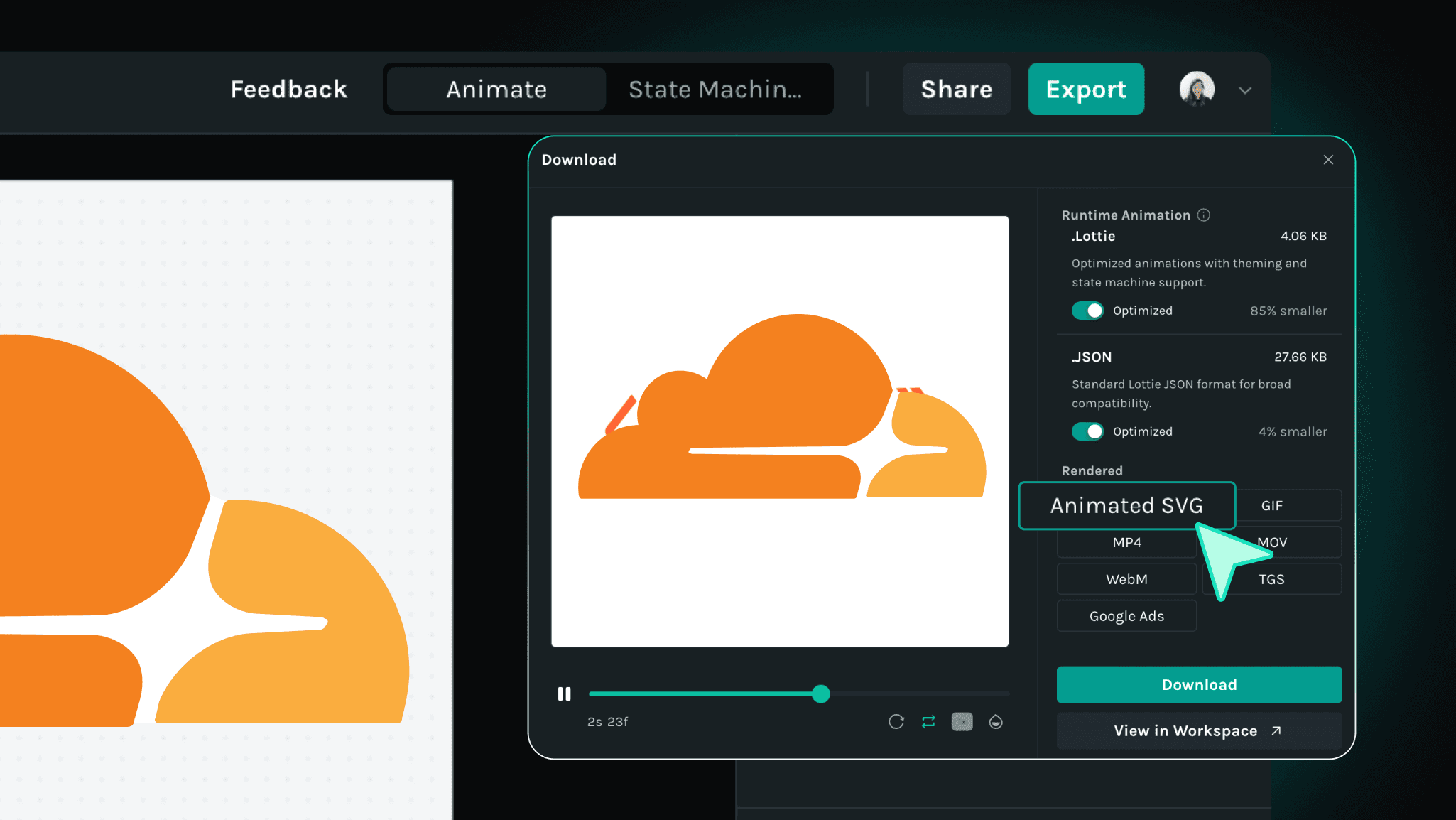
Export your animations as Animated SVG (SMIL) - plays natively in browsers, Notion, GitHub READMEs, and anywhere SVGs render.
Creator
Enhancement
Path editing improvements, expanded keyframe controls, and a cleaner onboarding flow - plus three bug fixes.
Creator
Fix
Creator
Features
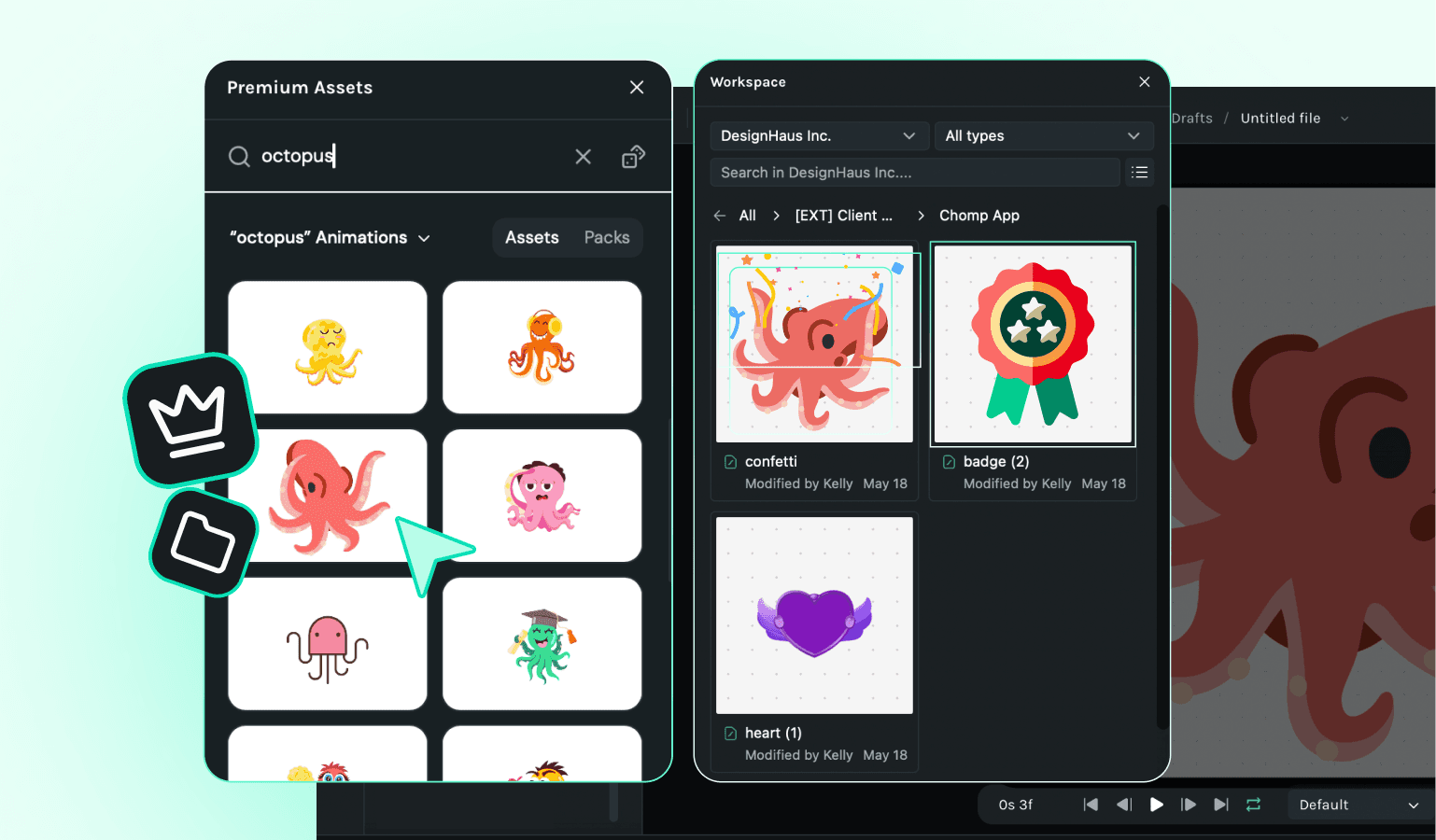
Creator
Fix
Bug fixes and stability improvements across keyframe selection, gradient tokens, path handling, and the text animator.
Creator
Enhancement
v1.89.0 brings canvas context menu improvements and a round of stability fixes - including a performance patch for multi-animation playback and several edge case crashes.
Creator
Announcements
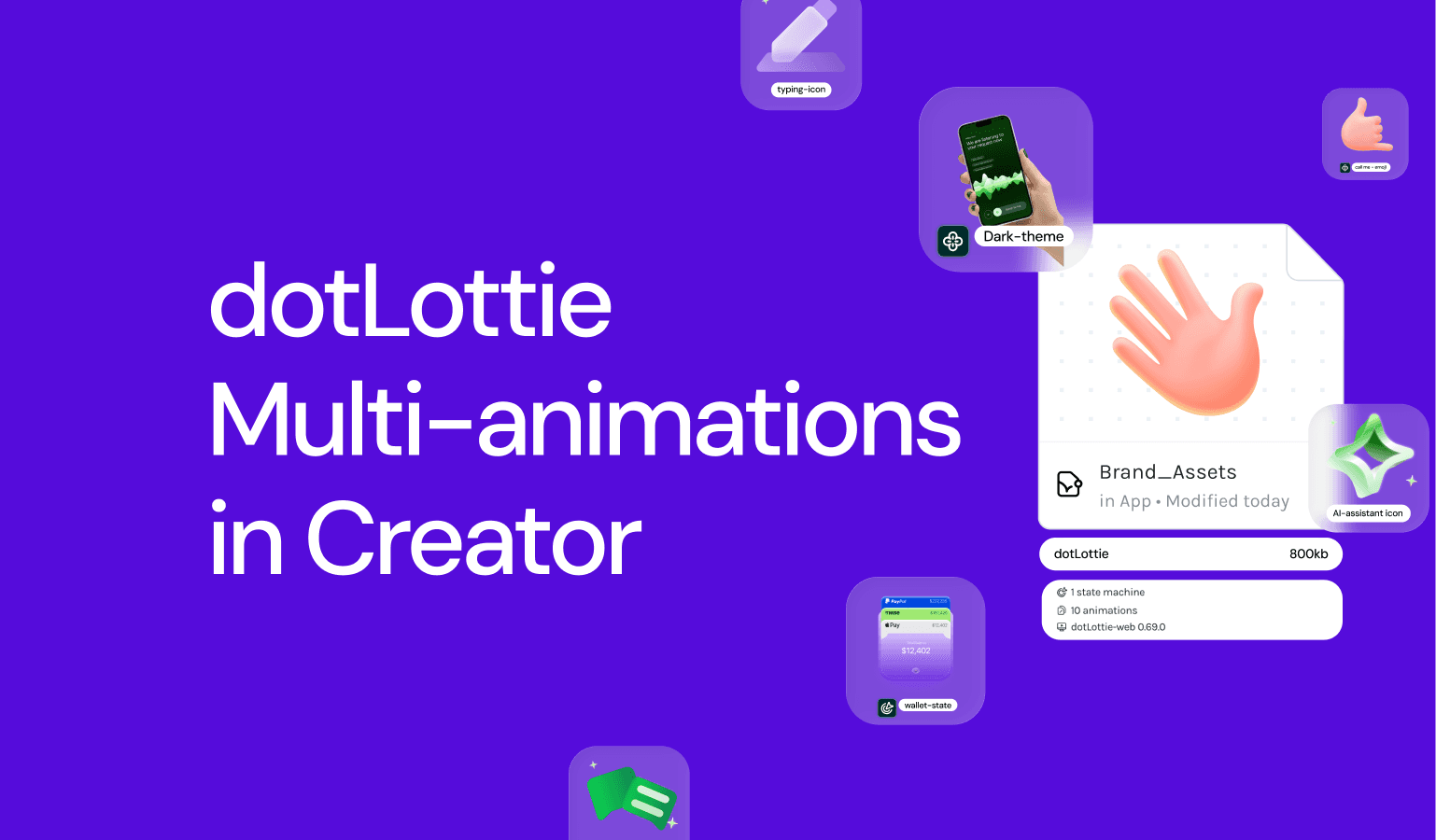
Ship a single .lottie file with multiple animations inside. Your engineers pick which one plays, when. No more juggling separate files per state, variant, or interaction.
Creator
Announcements
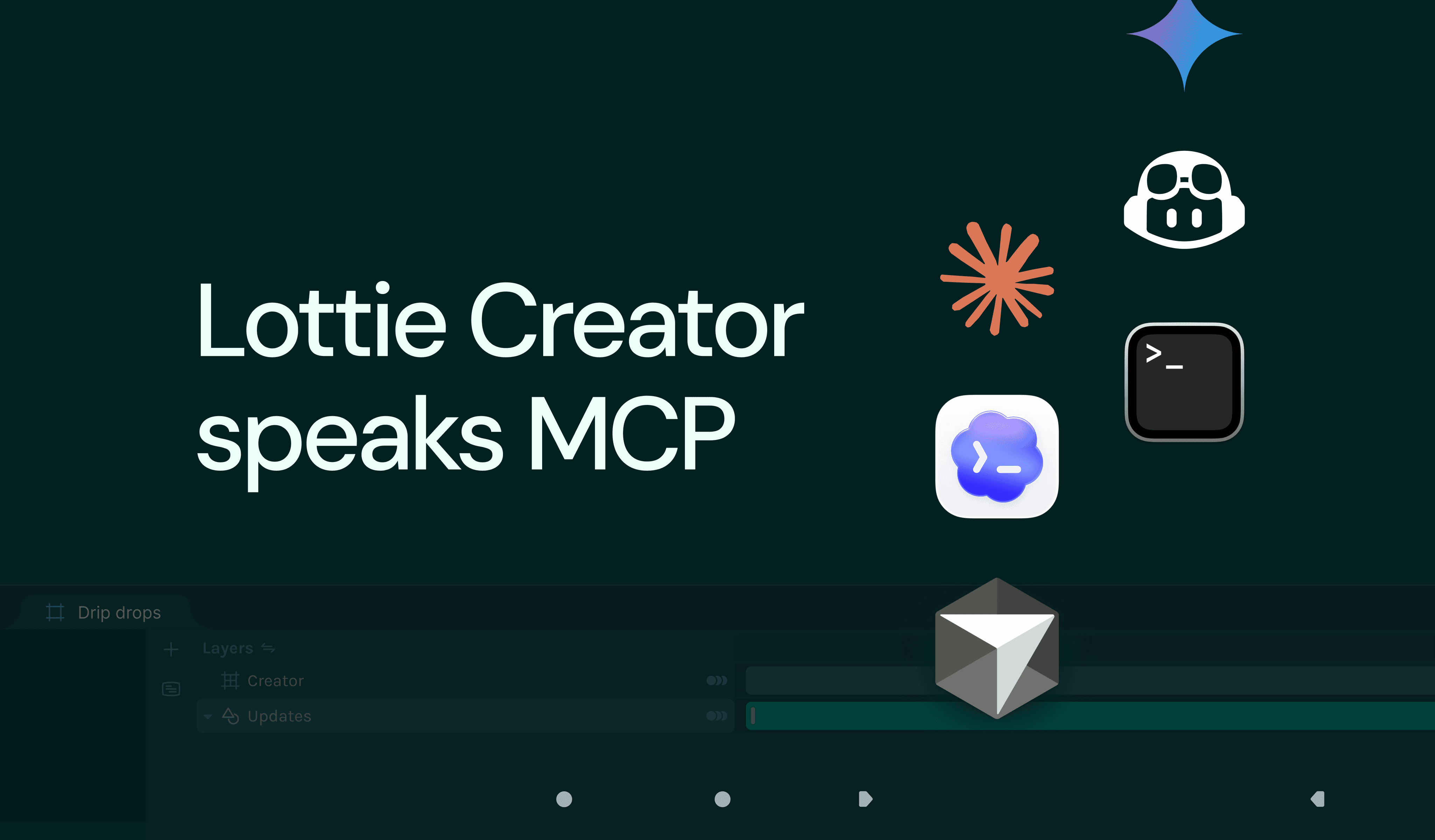
Connect Claude, Cursor, or any MCP-compatible client to Creator. Describe what you want - your AI builds and edits animations directly inside Creator.
Creator
Announcements
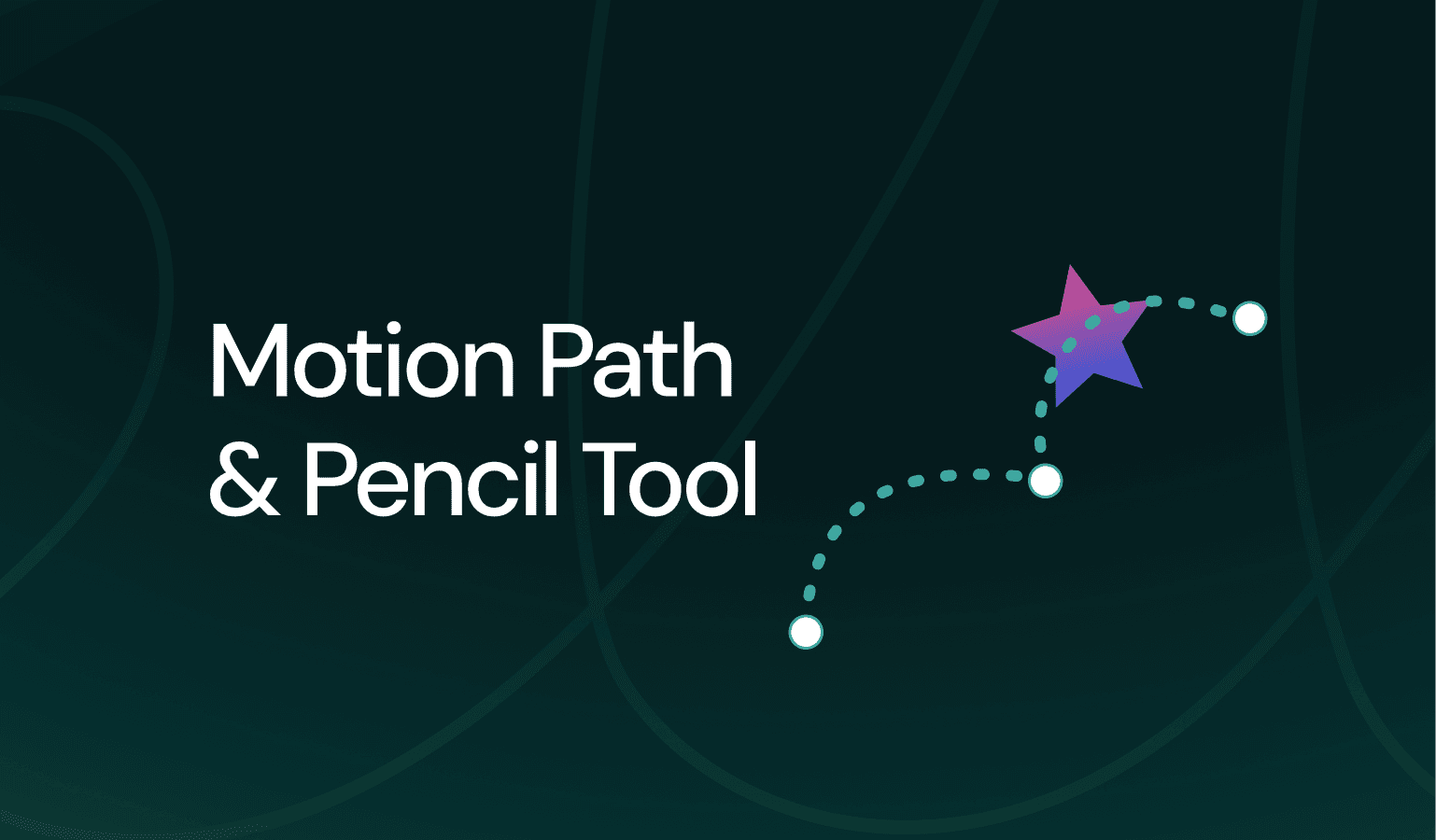
Animate along editable curved paths and draw freehand vectors directly on the canvas inside LottieCreator.
Creator
Announcements
Creator
Announcements
Prompt to Vector 2.0 is here - generate full scenes or objects, select styles, and refine outputs with one AI-powered plugin.
Creator
Enhancement
Reduce redundant keyframes with intelligent simplification that lets you select keyframes, adjust tolerance, and preview exactly how many will be removed before applying.
Creator
Announcements
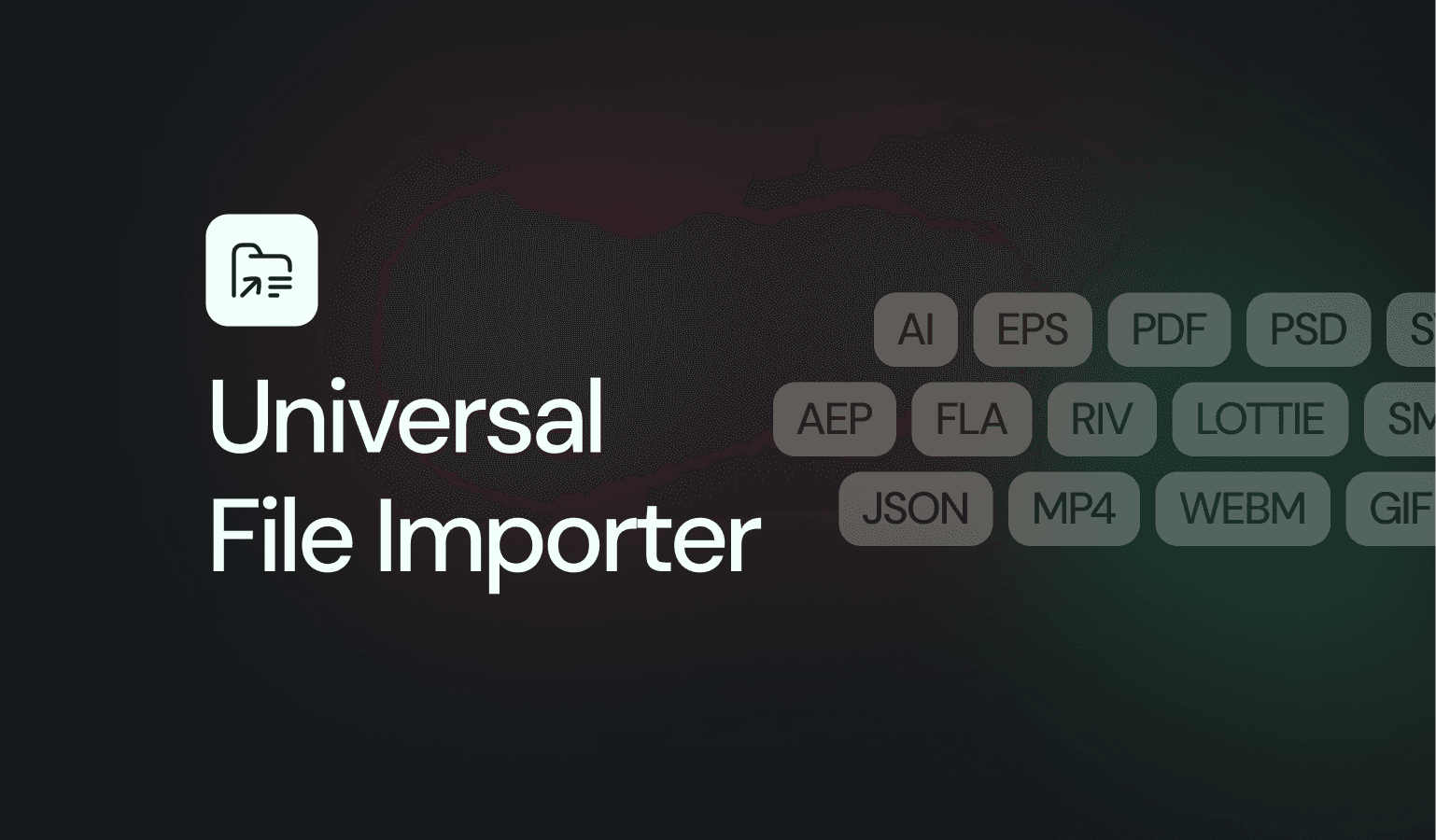
Introducing the Universal File Importer - a new Lottie Creator plugin that brings any file straight to your canvas. No more jumping between tools to convert formats. Drop a file, preview it, and insert it. Done.
Creator
Announcements
Drag and drop your AEP files into Lottie Creator to edit After Effects animations directly in the browser and export them as lightweight, interactive Lottie animations.
Creator
Announcements
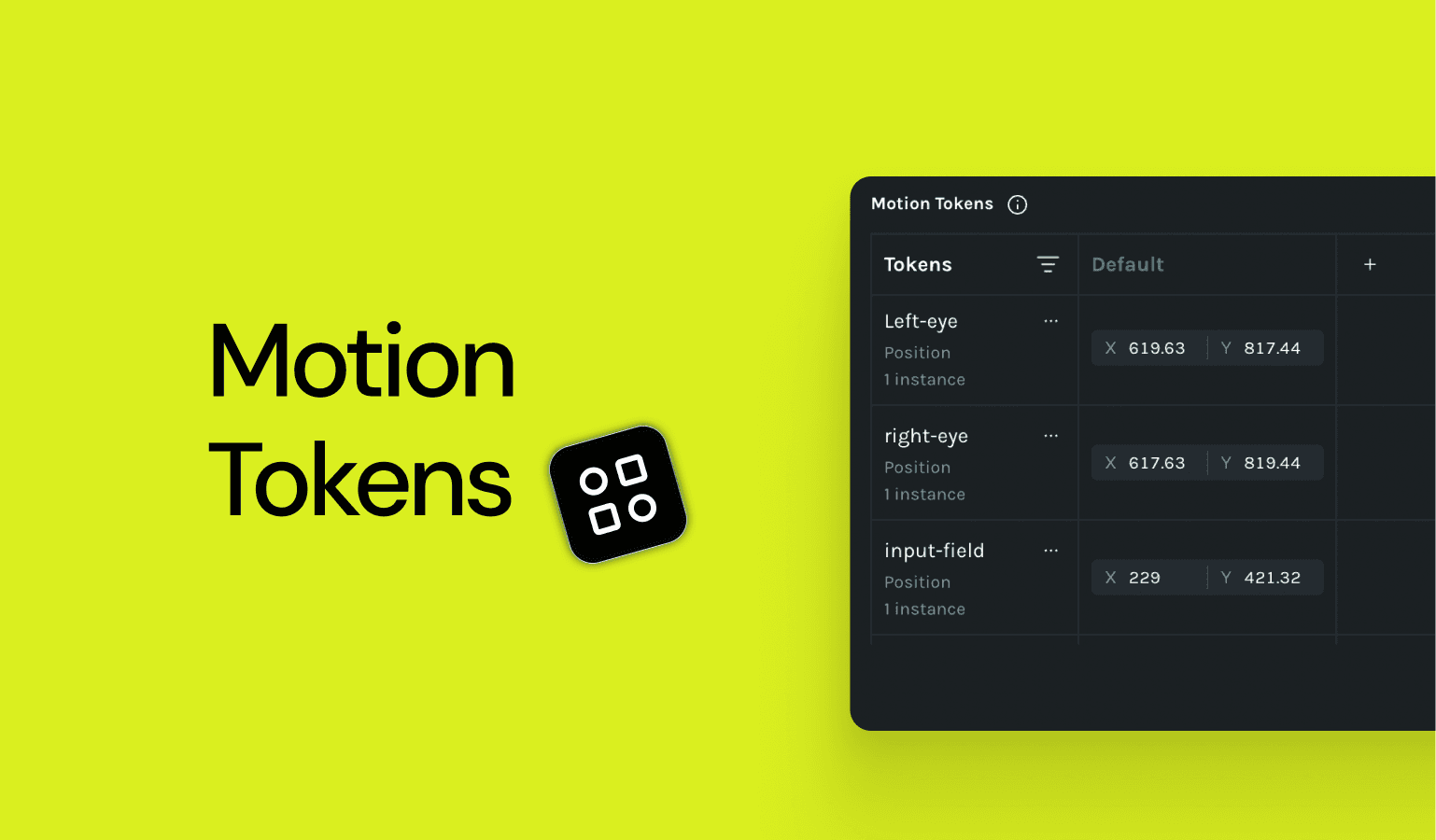
Motion Tokens are now live in Lottie Creator, allowing you to define dynamic properties like text, color, and scale that can be updated at runtime without rebuilding your animation.
Creator
Announcements
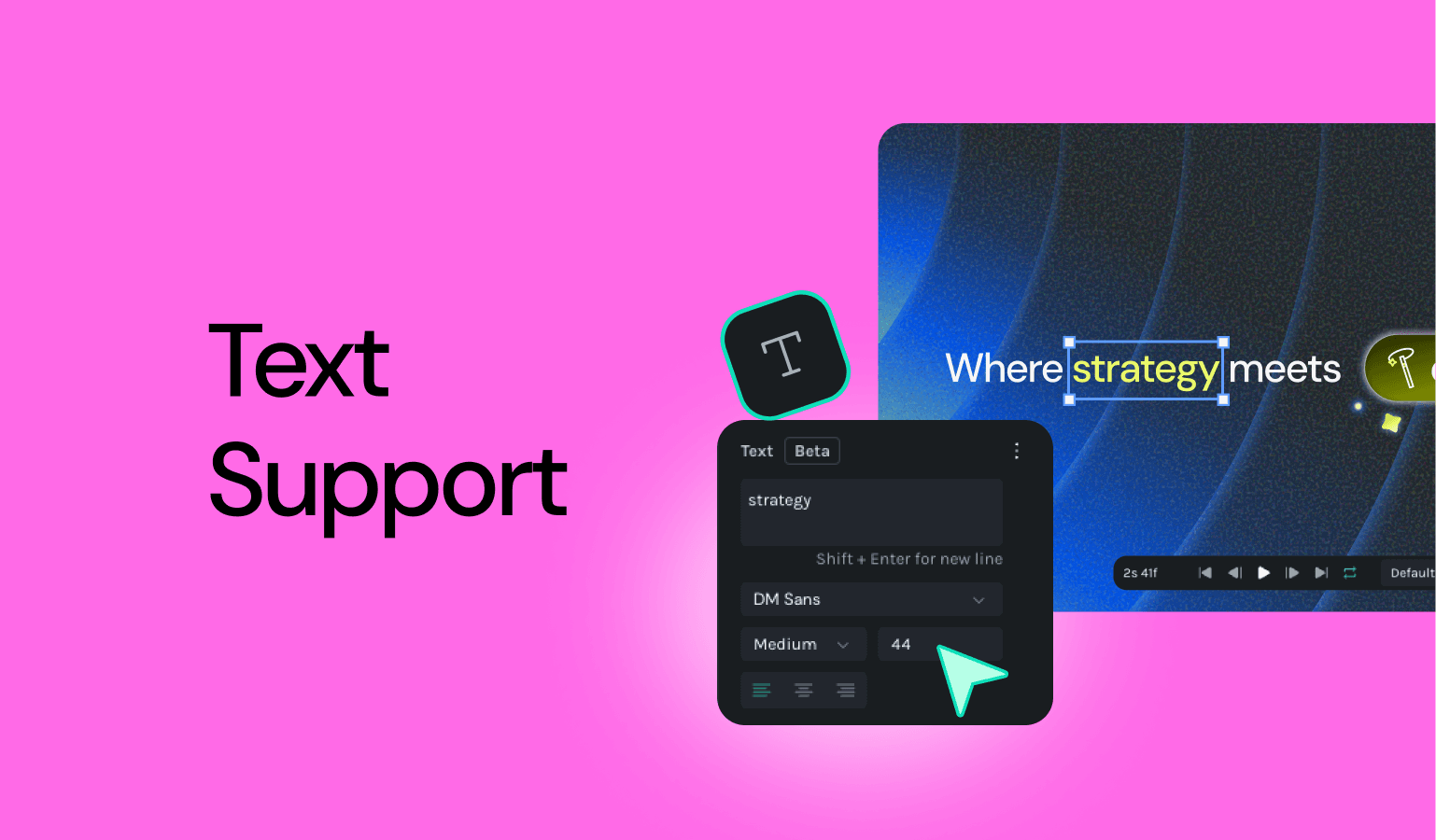
Lottie Creator now supports native text, so you can customize fonts, styles, sizes, and alignment directly in the editor and animate your text with ease.
Creator
Enhancement
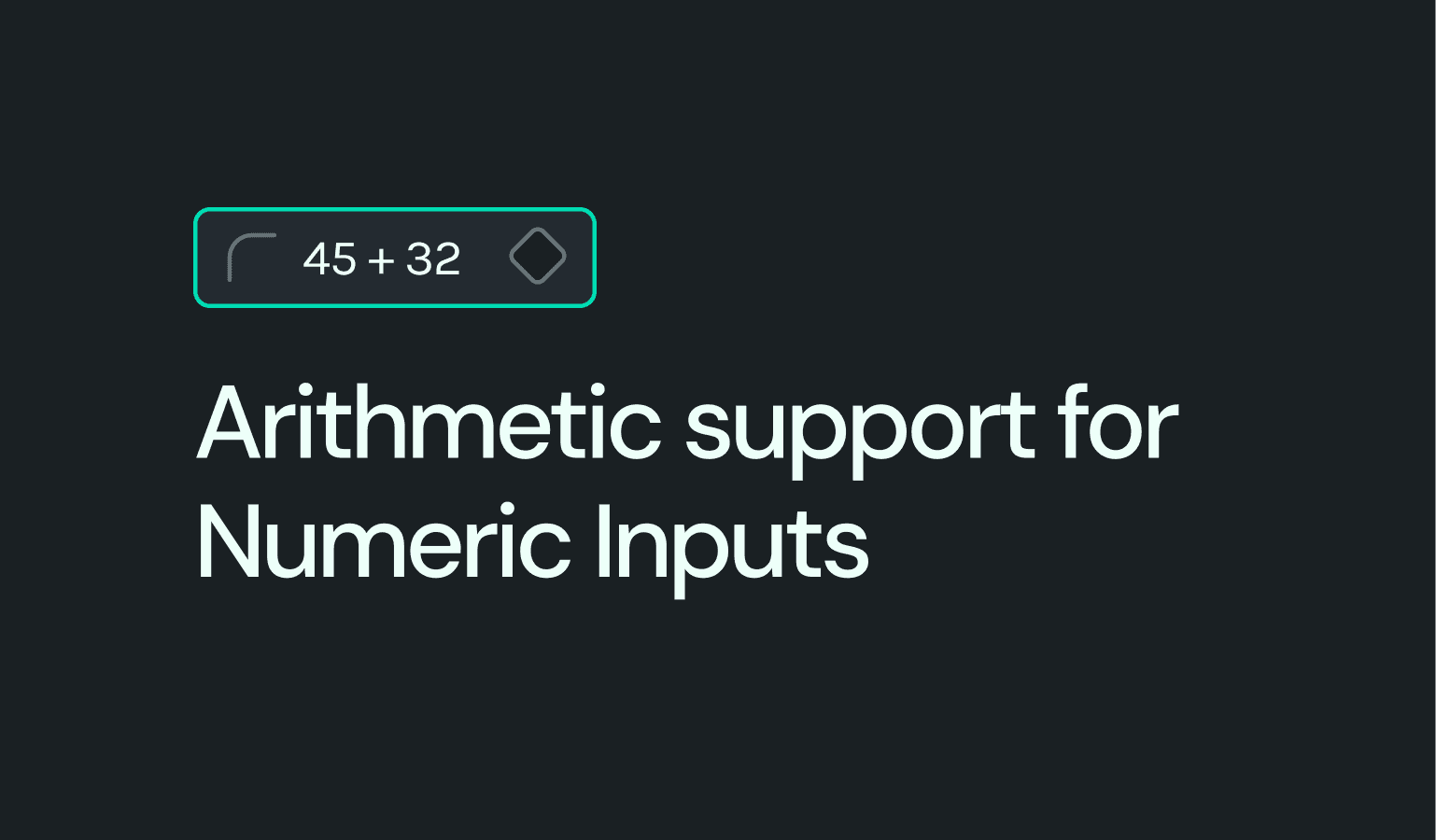
Type math expressions like 100+50 or /4 directly into any numeric field - Creator calculates the result instantly.
Creator
Enhancement
Corner radius controls, clearer scene targeting, smarter imports, and easier timeline navigation give you more precision and predictability when building complex animations.
Creator
Announcements
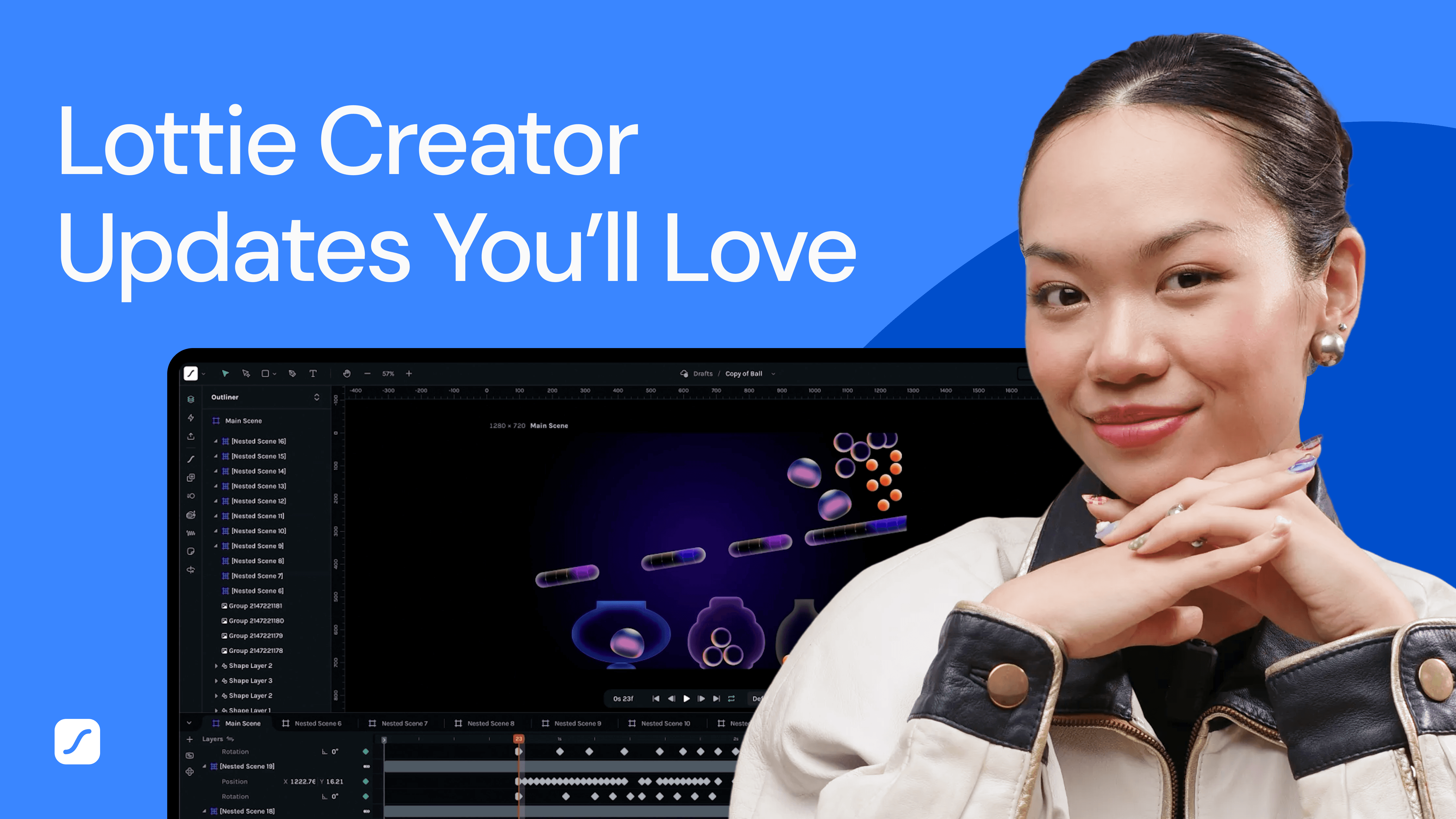
Lottie Creator just dropped a huge update and it’s packed with tools designed to make motion design faster, smarter, and way more enjoyable.
Creator
Features

Introducing Physics Simulator, a new plugin that adds gravity, collisions, and dynamic interactions to bring natural motion to your animations with ease.
Creator
Enhancement
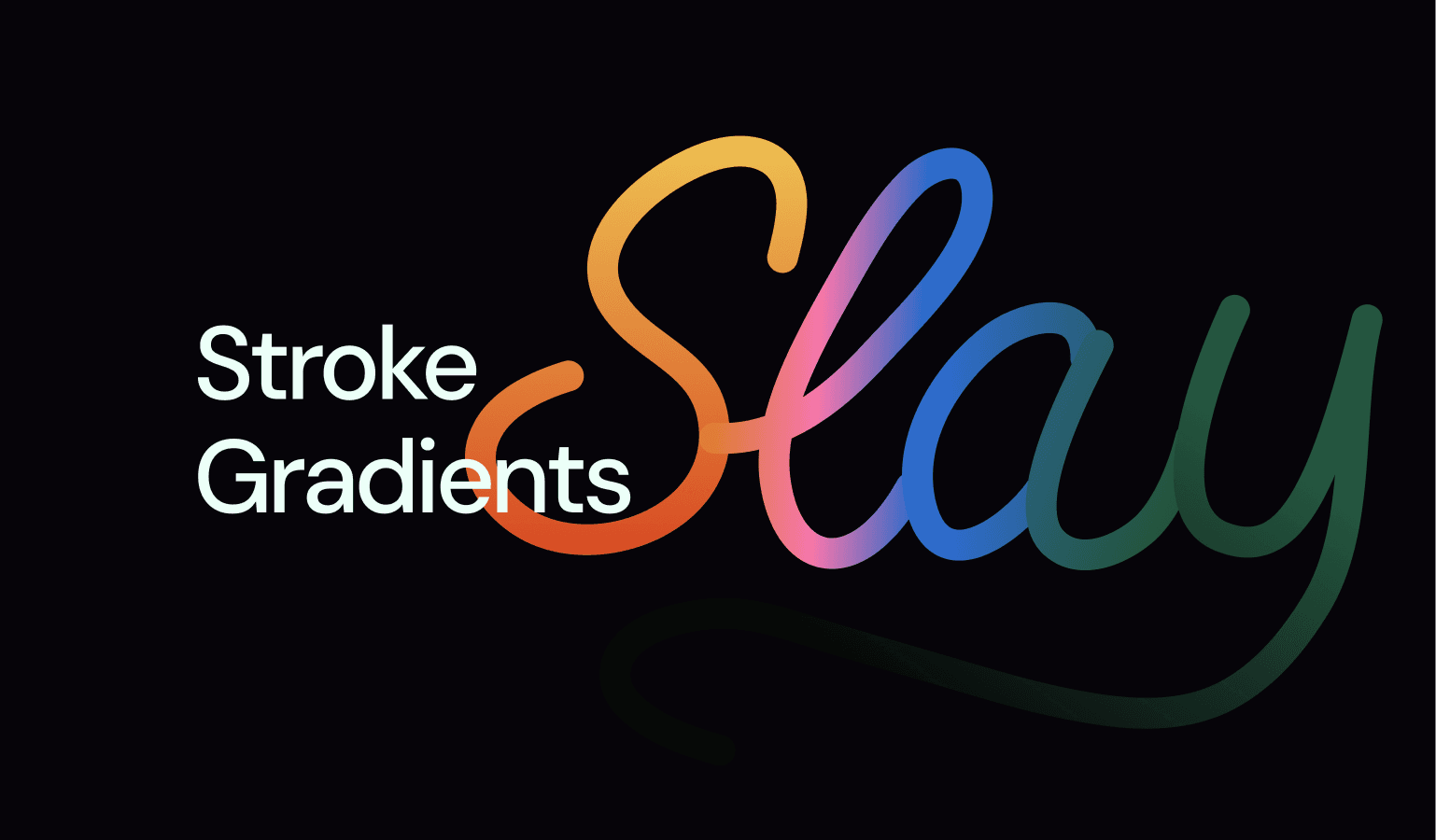
Gradient stroke is now fully supported in Creator, offering independent fill and stroke control plus other workflow enhancements.
Creator
Features
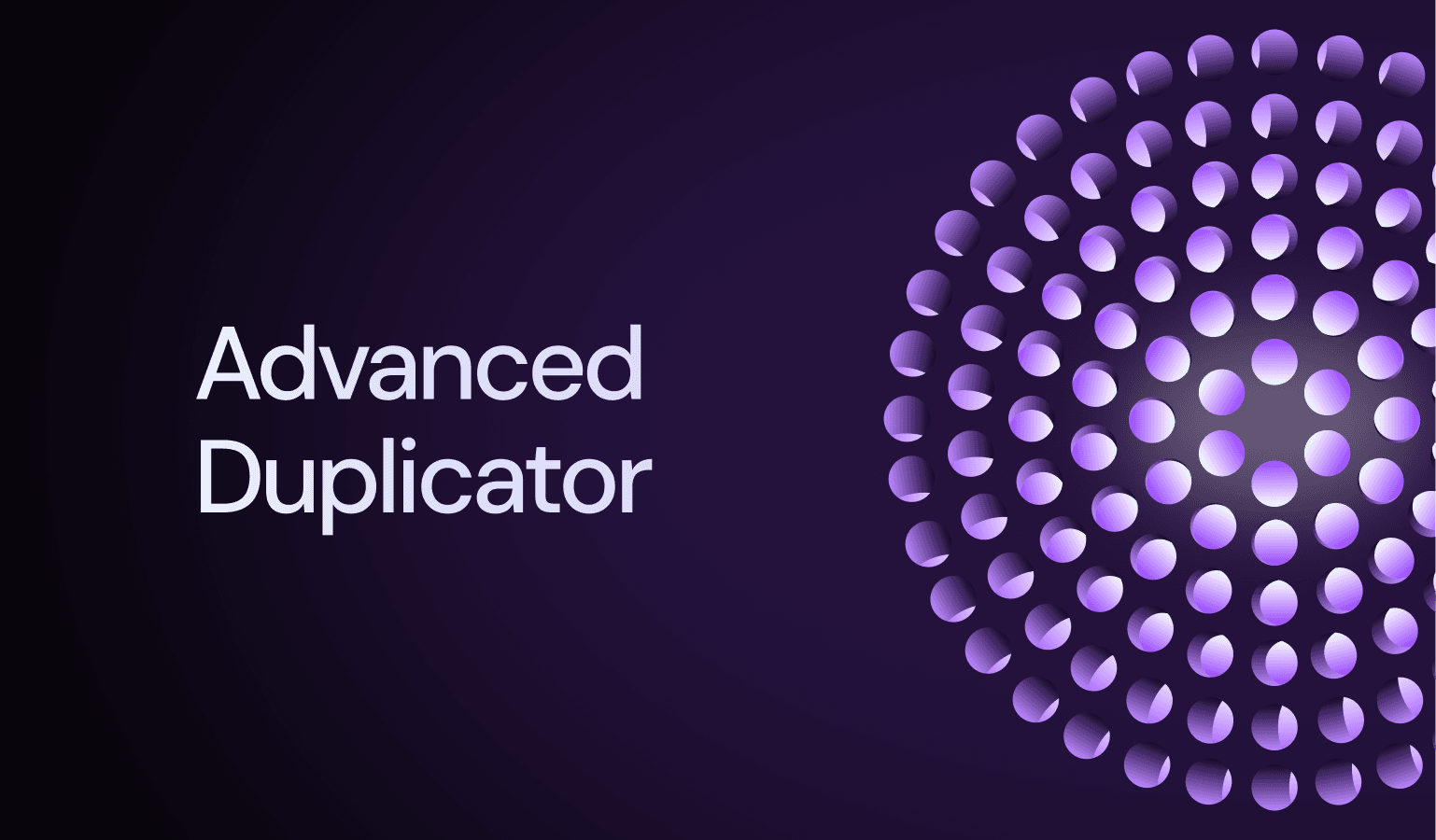
The new Advanced Duplicator lets you spin, scatter, grid, or spiral any object into precise motion patterns. You can access it instantly with Cmd + Shift + D (Mac) or Ctrl + Shift + D (Windows).
Creator
Features
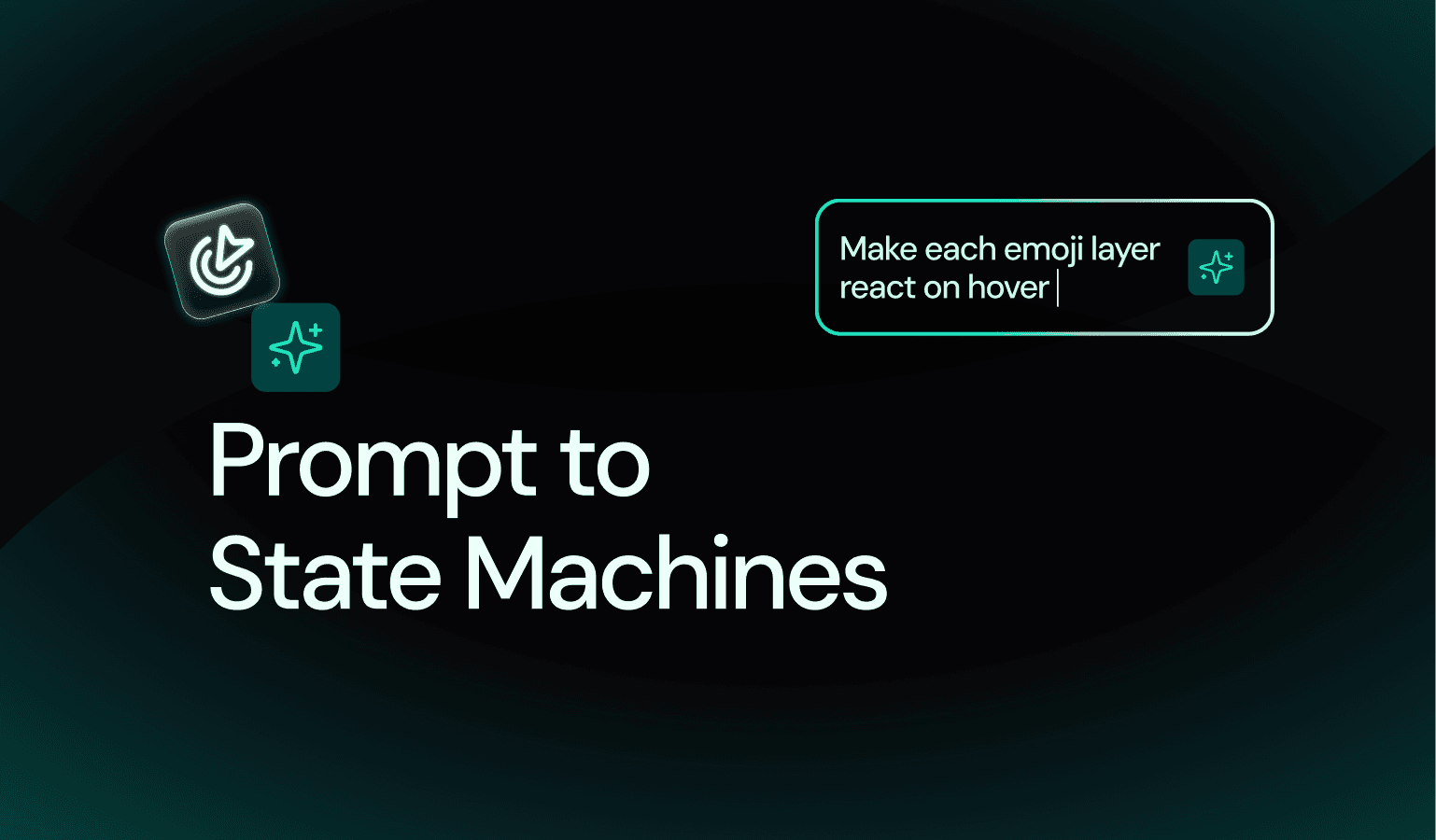
This update introduces Prompt to State Machines, an AI-powered way to build logic and transitions simply by chatting. It also adds key fixes across theming, color, and timeline performance.
Creator
Fix
This update focuses on smoother editing and a more polished experience. You’ll notice improvements to keyframing behavior, cleaner notifications, and refined UI details, along with several fixes for timeline, masking, and import stability.
Creator
Features
Creator v1.58.0 introduces the powerful new Easing Editor for precise motion control, along with timeline zooming for finer timing adjustments and improved SVG import handling for cleaner layer separation. This update also adds social sharing for remix links, duplicate state machines, and a range of fixes and UI enhancements for a smoother animation experience.
Creator
Features
This release introduces the new Keyframe Assistant to speed up animation workflows, along with Smart Duplicate feature. Combined with key fixes and performance upgrades, Creator V1.54.2 makes building animations smoother, faster, and more reliable.
Creator
Features
Introducing State Machines, a new way to make your Lottie animations interactive. Instead of playing straight through, animations can now branch, respond, and react to user actions or conditions.
Creator
Enhancement
Creator is out of beta with the release of Creator V1. This update introduces a redesigned Motion Presets plugin in the left panel, an improved Text tool for adding vector text, and powerful new features like the Spring Curve plugin, Blend Modes, and State Machines for interactive animations. Along with major rendering and stability improvements, Creator V1 is faster, more reliable, and ready for production workflows.
Creator
Features
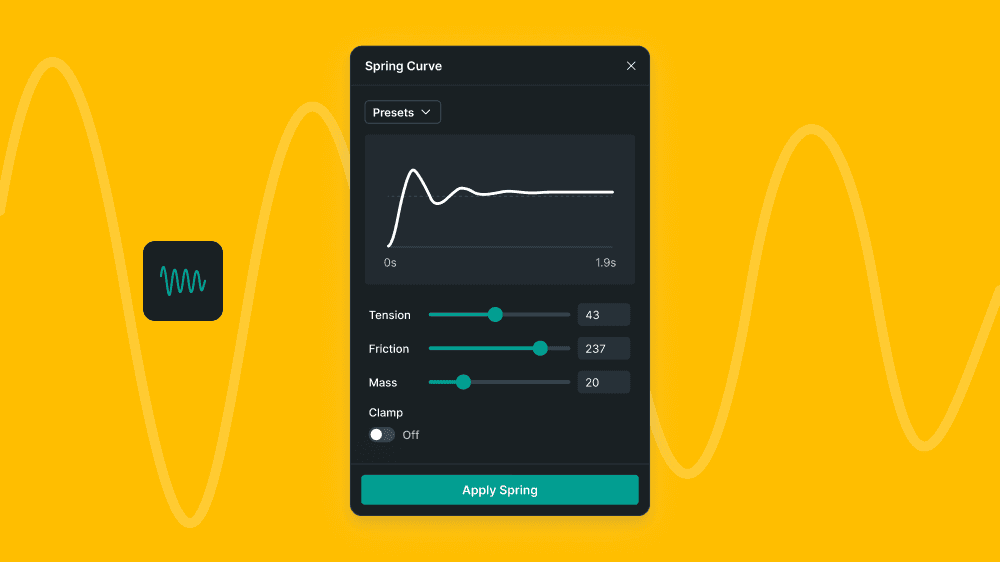
Add natural, physics-based motion to your designs with the new Spring Curve plugin. Choose from presets like Bouncy, Snappy, or Elastic, and fine-tune tension, friction, and mass for full control.
Creator
Features

Apply blend modes to any container or group layer for richer visuals and creative control. Find the controls in the Properties panel, right next to opacity, and experiment with options like Multiply, Screen, and Overlay to bring your designs to life.
Creator
Enhancement
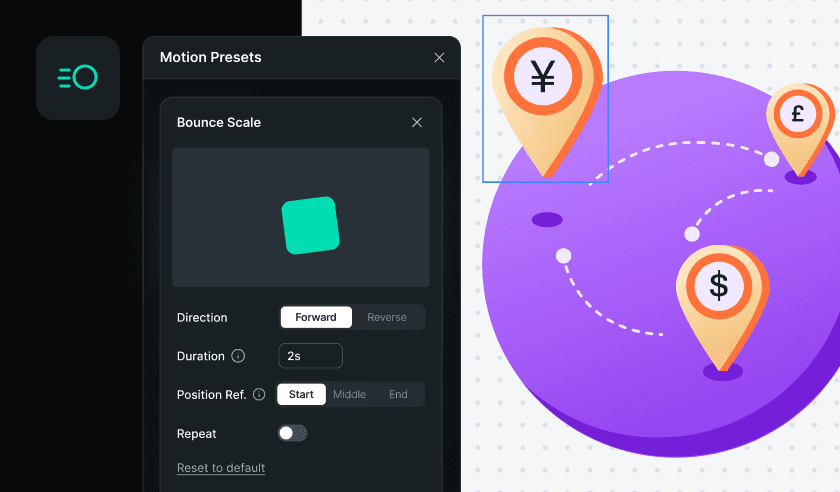
Motion Presets have a new home in the left panel, making it easier to browse and apply animations while you work. Explore a refreshed library of presets, customize them with advanced controls, and even turn your own timeline motions into reusable presets. Save them for personal use or share them with your workspace to keep animations consistent across projects.
Creator
Announcements

This is a minor release addressing some of the architectural changes needed. The client-facing changes are the new shape distribution and the path editing keyframes.
Creator
Announcements
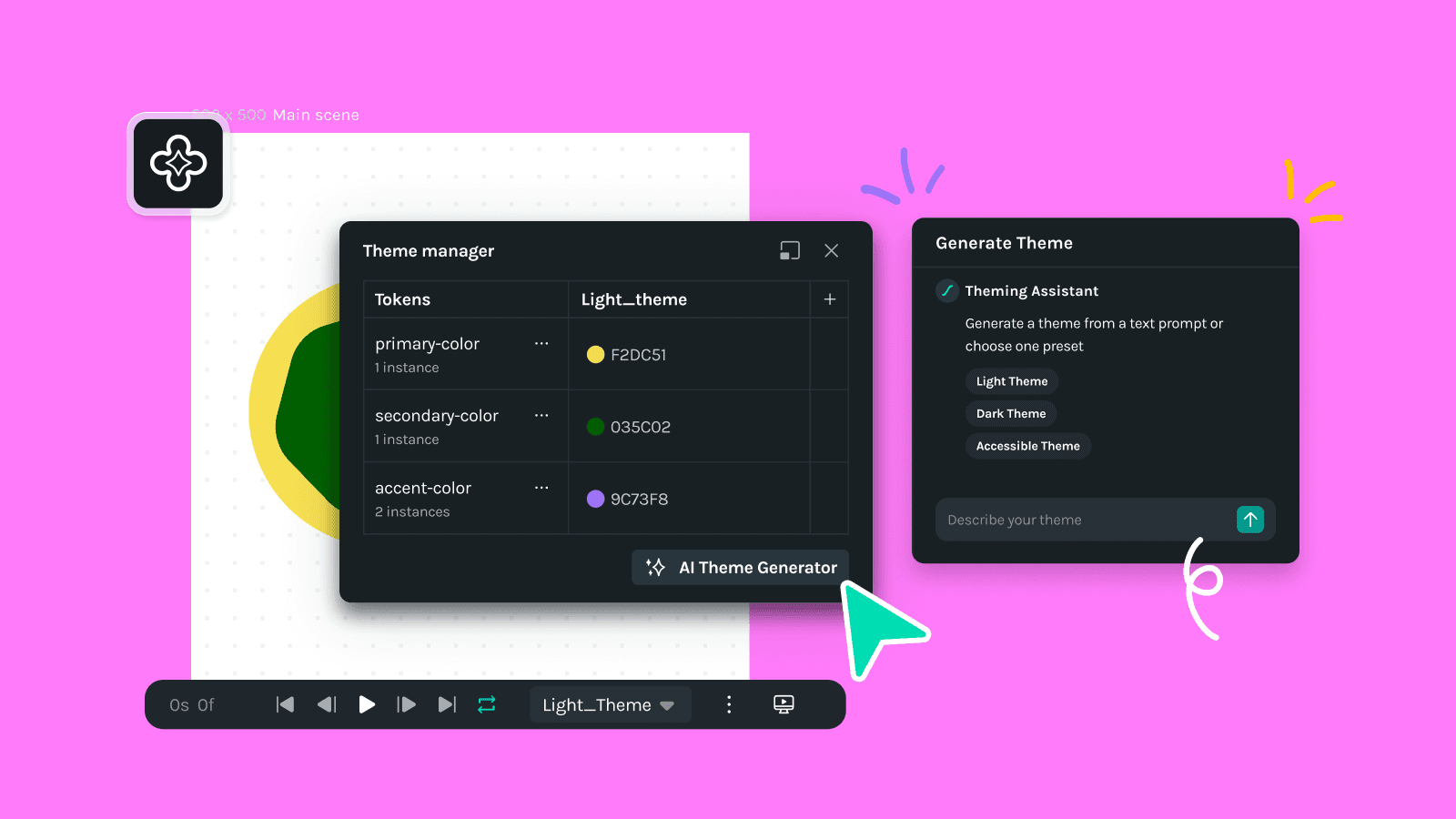
This latest update introduces a AI theme generator that simplifies thematic designs, while enhancements to grids, guides, and rulers improve the overall experience with undo/redo support and visual updates. Bug fixes address keyframe selection, snapping, and ruler issues, ensuring smoother workflows. Users can now resize UI windows, enjoy optimized canvas rendering, and experience improved alignment and padding for appearance properties.
Creator
Announcements
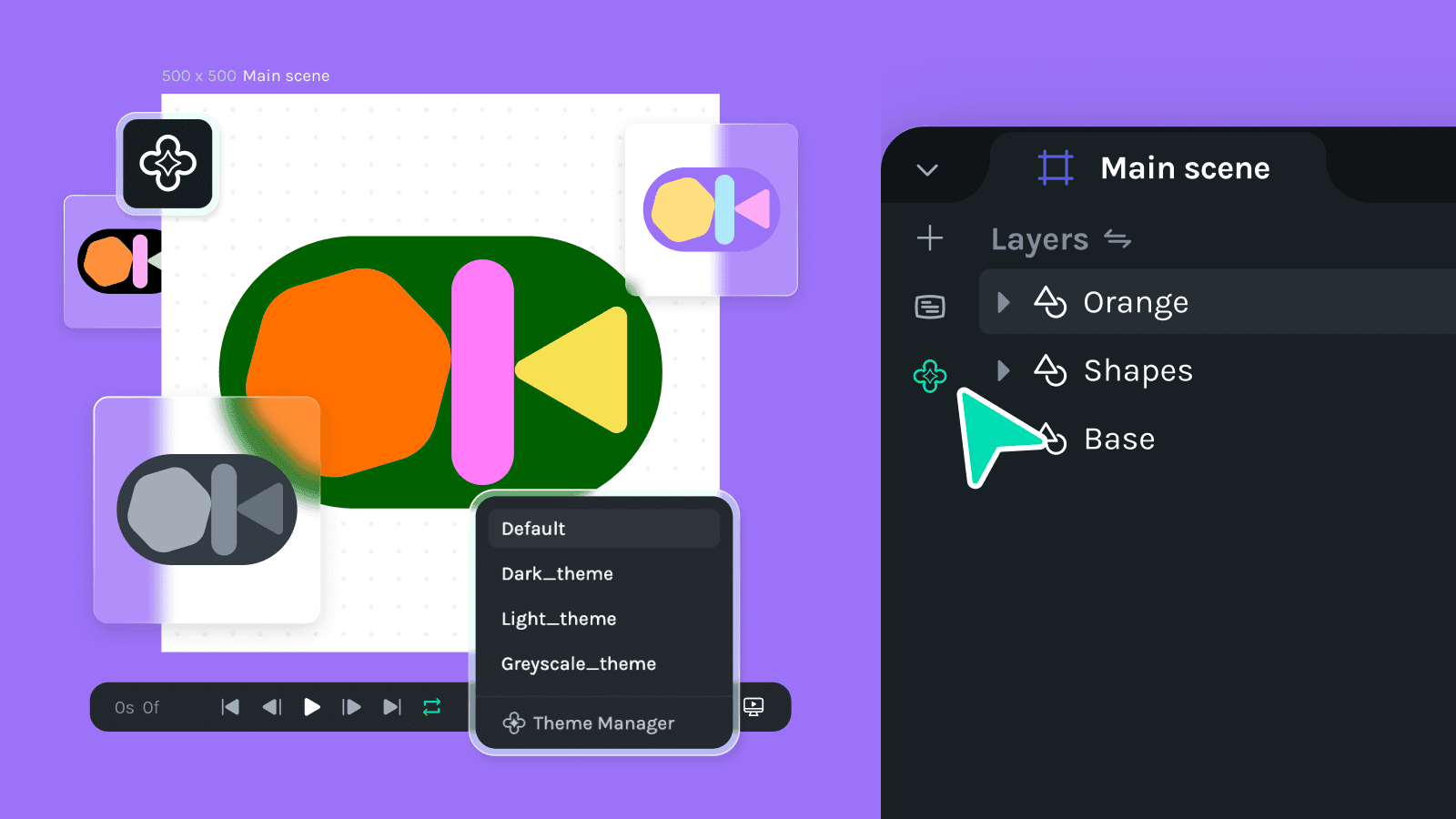
Seamlessly switch between light mode, dark mode, and custom themes—all from a single dotLottie file. No more duplicating assets. Lottie Theming makes it effortless to apply themes dynamically, saving you time and effort. Other enhancements including a new ungroup feature for top-level containers and additional Fill rule options in the appearance section. It also brings numerous bug fixes to enhance mask reliability, nested scene dimensions, onboarding tours, and advanced actions in the outliner and timeline. Moreover, selection on the canvas has been refined to improve deep and overlapping selections, ensuring a smoother user experience and adding more flexibility and precision to your animation workflow.
Creator
Announcements

This release introduces exciting new features, notable improvements, and a range of bug fixes to enhance usability and performance. Highlights include the addition of an Outliner window, a revamped export flow eliminating the need to redirect to the web, and updated keyboard shortcuts for improved navigation and control. We've resolved several issues, especially around selection, bounding boxes, and playback stability.
Creator
Announcements
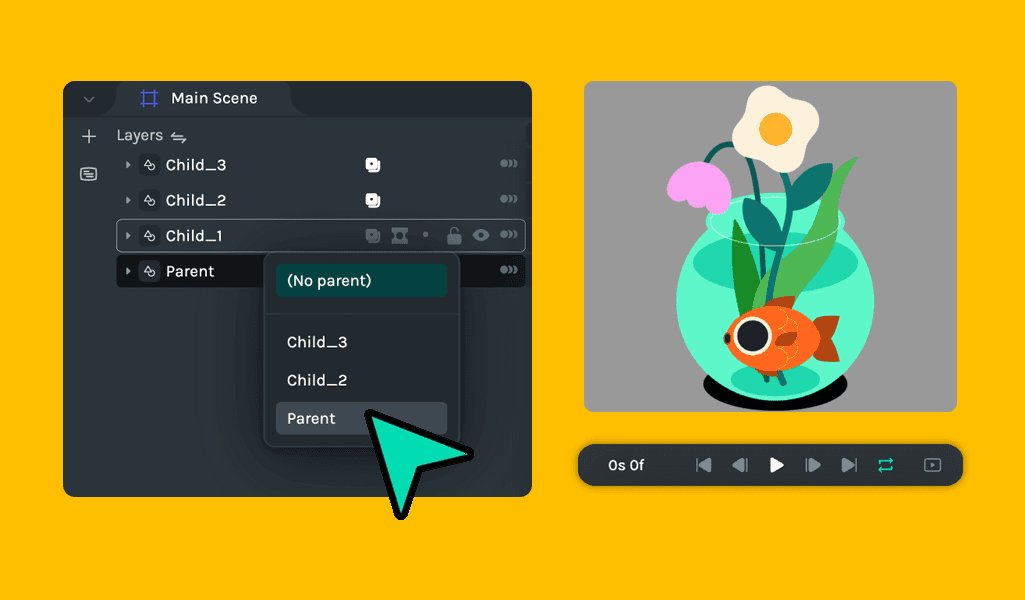
This release brings several exciting updates and fixes to Lottie Creator. Highlights include a new auto-save feature that saves work when switching tabs, a revamped “Get Started” experience, and the introduction of parent constraint support to resolve issues with unsupported Lotties. Additionally, performance improvements make zooming on the canvas smoother, and a variety of bug fixes address saving issues, keyframe manipulation, and timeline inconsistencies. The release also enhances the UI with updated property panel styles and scrollable public animation detail panels.
Creator
Announcements
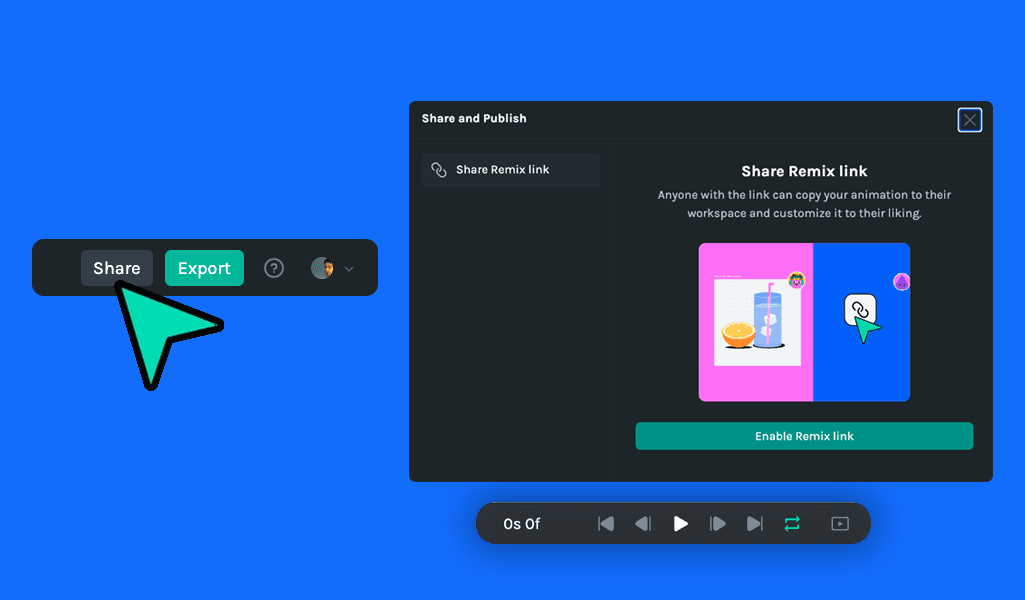
Lottie Creator has introduced several exciting new features and improvements to enhance the user experience. Users can now release their files as Remix, enabling collaborative sharing and editing within the community. Additionally, a new feature allows the entire UI to be hidden for better focus on the canvas. Improvements include automatic layer renaming when new elements are added to the timeline, and smoother management of Creator windows. Bug fixes have addressed issues, including anchor point grid changes in the undo stack and ensuring keyframes update when resizing the window.
Creator
Announcements
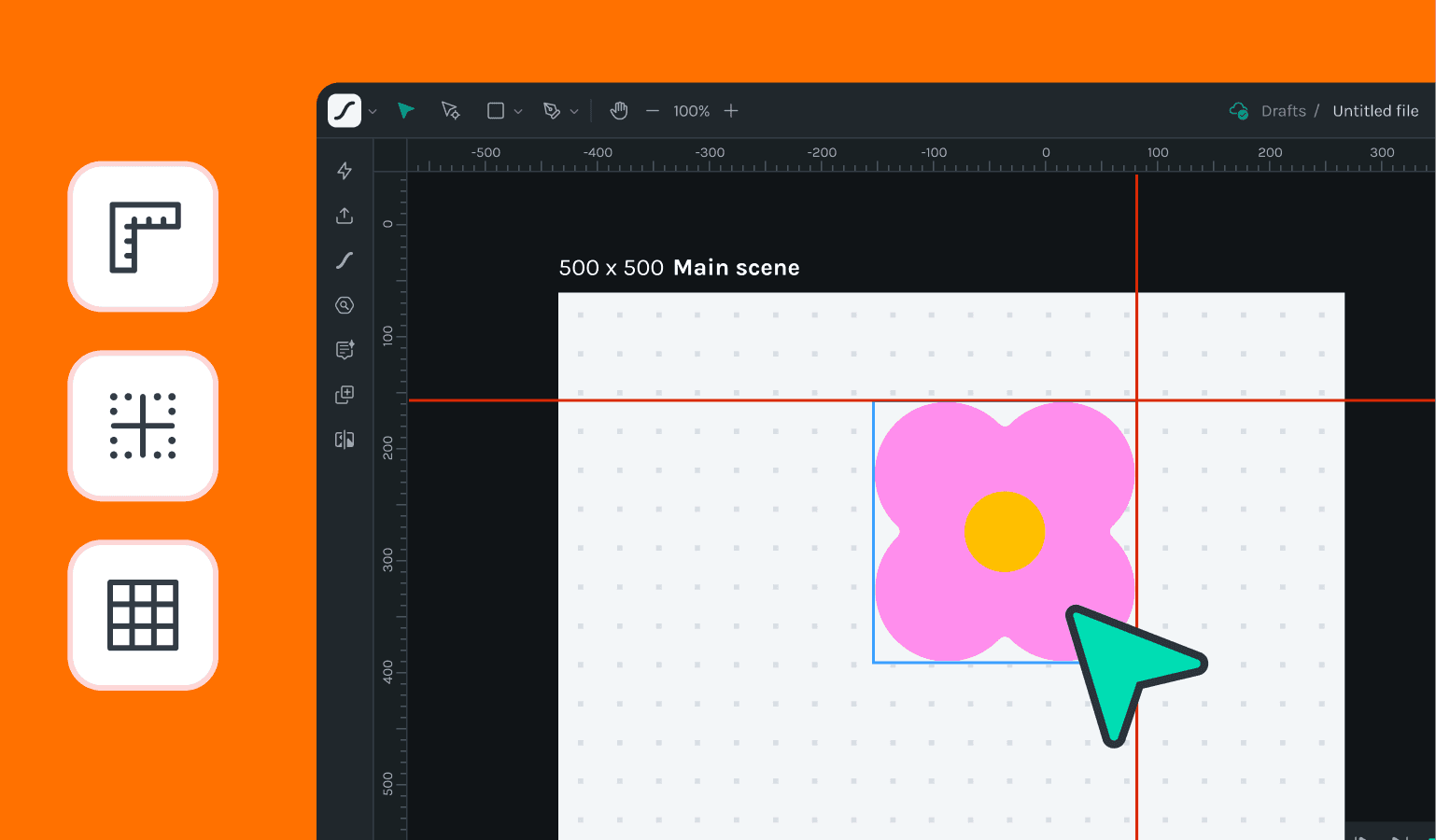
The latest update introduces the new canvas, individual pan and zoom settings for each scene and arrow key navigation for layers. Improvements include shift-drag snapping to keyframes, direct playhead navigation to keyframes, and enhanced scene navigation, panning, and zooming. Various UI inconsistencies have been fixed, along with corrections to scene background colors and layer re-ordering and dragging issues. These enhancements and fixes significantly improve the overall user experience and efficiency in managing animations.
Creator
Announcements
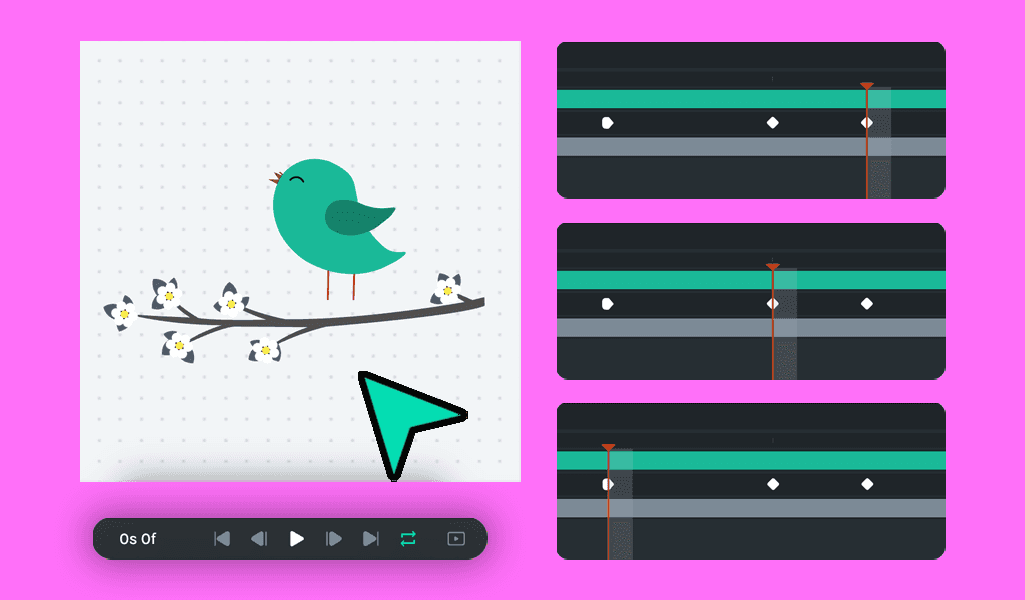
In this release, Creator supports matte layers in nested scenes, and users can jump the playhead between keyframes using the shortcuts. The timeline scrubber and work area playhead are now bound to the duration of the scene, and advanced layer functions like hide and focus are enabled in multi-select mode, and dragging windows such as plugins is now more fluid.
Creator
Announcements
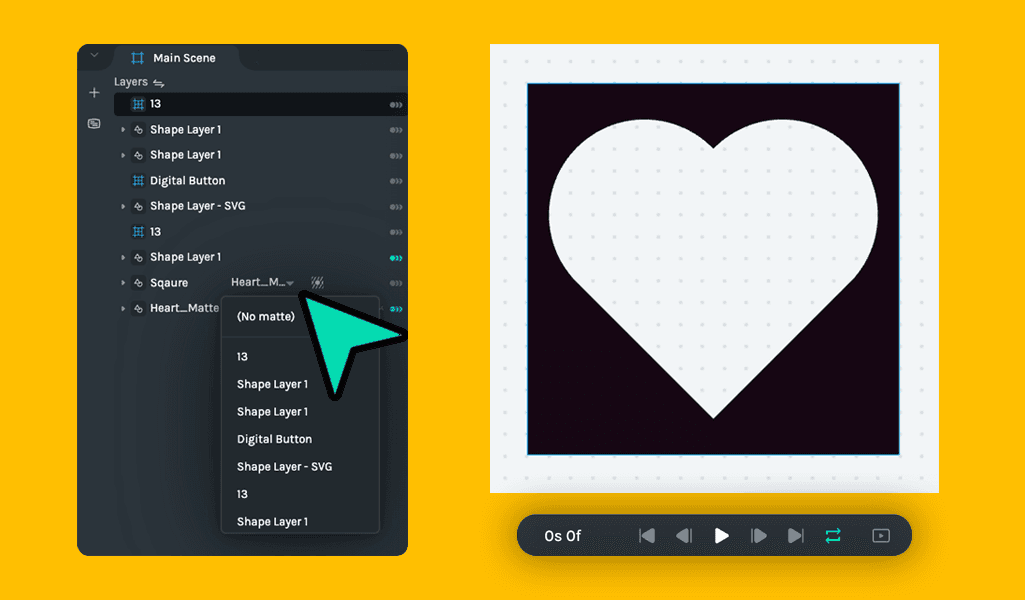
This release of Creator supports matte and masks and allows exporting the segments to dotLottie files. It also enhances undo/redo actions for work areas and segments, provides multi-selection functionality, and includes better naming for source and layer scenes. Bug fixes address issues such as adding random keyframes at the playhead position, loader animation-induced slowness, and new black background shapes. These updates aim to streamline the user experience and improve performance.
Creator
Announcements

The latest Lottie Creator update introduces new features like work area markers, the ability to select all keyframes of a track, a new edit menu, and importing SVGs directly from Clipboard and Finder. Bug fixes address issues with random keyframe additions, bezier stroke rendering, and keyboard shortcuts, ensuring a smoother and more efficient user experience.
Creator
Announcements
Insert Animation into Keynote: Launch Keynote, open your presentation, click Media, select Insert from File, choose your MOV file, click Insert, or drag & drop directly into your presentation.
Creator
Announcements

We’re excited to announce the release of new features and improvements in Lottie Creator, including the Motion Copilot, collapsible animated properties for nested scenes, and the ability to copy, paste, and export nested scenes as .lottie files. This update also brings enhanced path creation visibility, improved asset insertion from AI prompts, better playhead scrubber accuracy, refined shape-level property animations, and more intuitive drag-and-drop functionality. Additionally, several bug fixes have been implemented to improve overall performance and stability.
Creator
Announcements
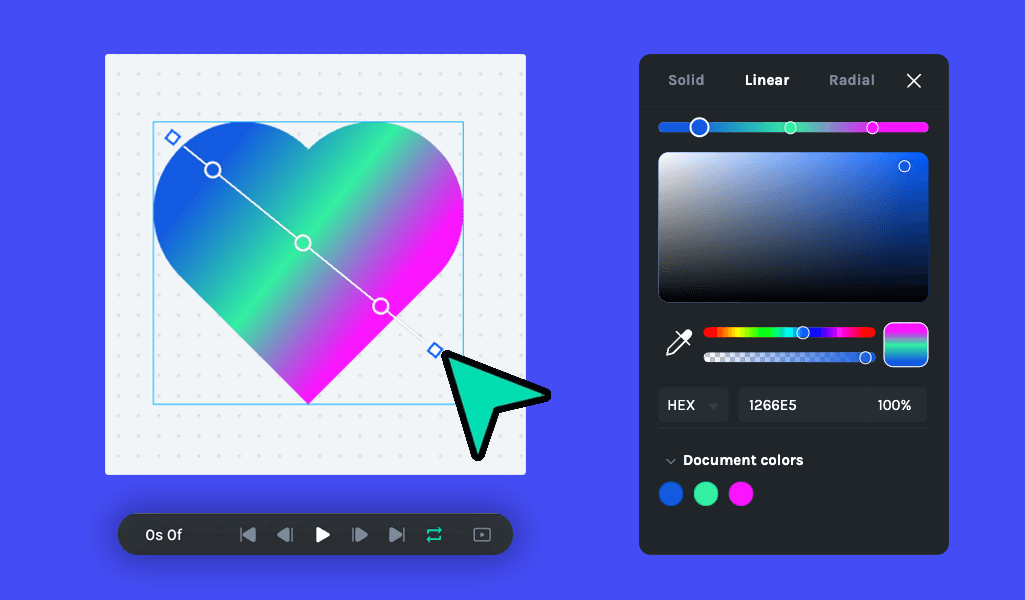
In this release, we’ve added linear gradient support to the color picker and introduced options to flip objects vertically or horizontally from the context menu. You’ll also find new animation preset tooltips and animated presets in the right menu and an improved scene duration format for better clarity.
Creator
Announcements
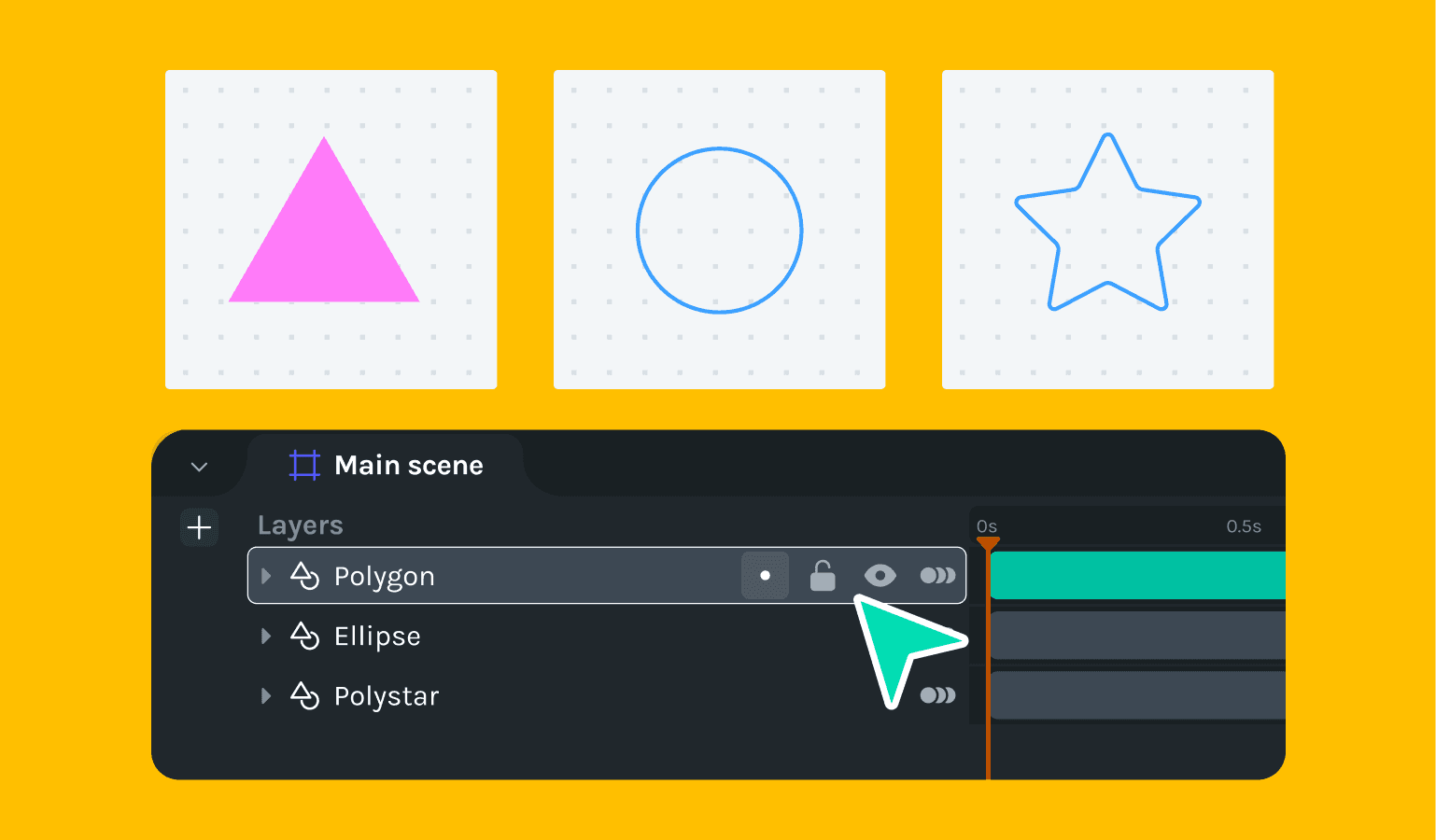
The latest update to Lottie Creator introduces many new features and improvements designed to enhance your animation workflow. Now, you can import animations directly into pre-comp scenes, streamlining your process like never before. Enjoy the new layer actions such as focus, lock, and hide, making it easier to manage complex animations. We've also enabled the ability to copy and paste objects and keyframes between Creator tabs, incorporated undo/redo functionality for canvas size adjustments, and improved the rotation interaction on tracks to synchronize with the property panel.
Creator
Enhancement

In our latest update to Lottie Creator, we're excited to introduce powerful new features and significant improvements. Users can now create new nested scenes from existing ones or start with empty nested scenes, enhancing workflow flexibility. We've also introduced the ability to import SVGs with line breaks, addressing a key user request. On the improvements front, we've updated all keyframe sizes on the timeline and enhanced the usability of the saving status indicator.
Additionally, we've fixed several bugs, including path opacity issues and incorrect lengths of selected imported assets on the timeline. These updates ensure a smoother, more efficient animation creation experience.
Creator
Announcements

Dive into our new Trim Paths feature and streamline your workflow with intuitive new onboarding and efficient timeline performance improvements. Tackle your projects with enhanced tool accuracy and enjoy a smoother user experience with our latest bug fixes. From simplified path selection to more precise animation controls designed to boost your productivity and creativity.
Creator
Announcements
This release introduces multiple changes, including better canvas technology, added accuracy to the cursor during path editing, various bug fixes, and general improvements.
Creator
Announcements
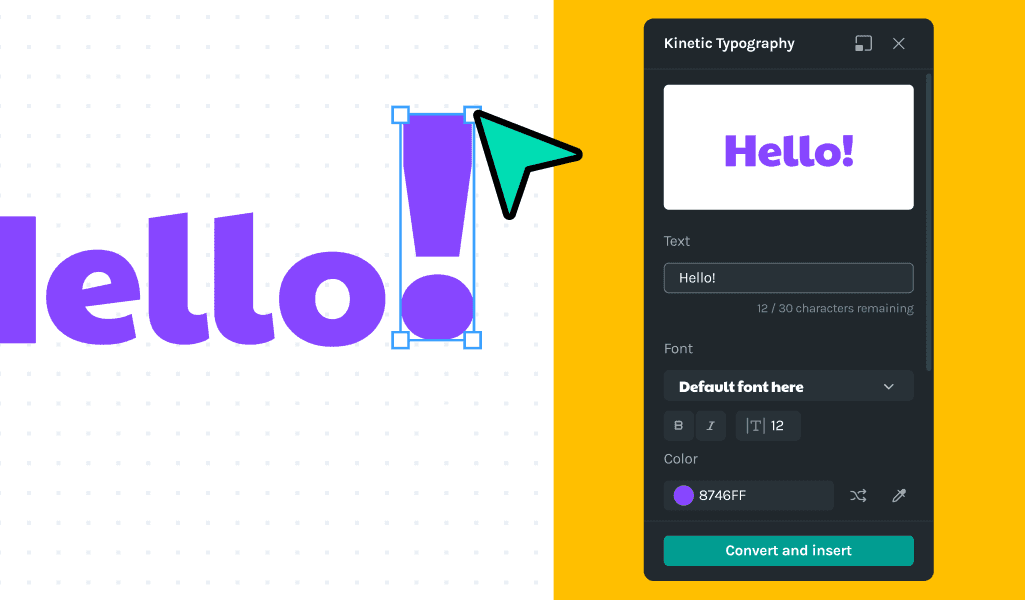
In the latest update of Lottie Creator, we're thrilled to introduce the Kinetic Typography plugin, a game-changer for designers aiming to elevate their animations with dynamic text effects. This standout feature, alongside interactive shape drawing and enhanced alignment options, marks a significant leap in creative possibilities. We've also refined the user experience with improved shortcuts, tooltips, and UI enhancements.
Creator
Announcements
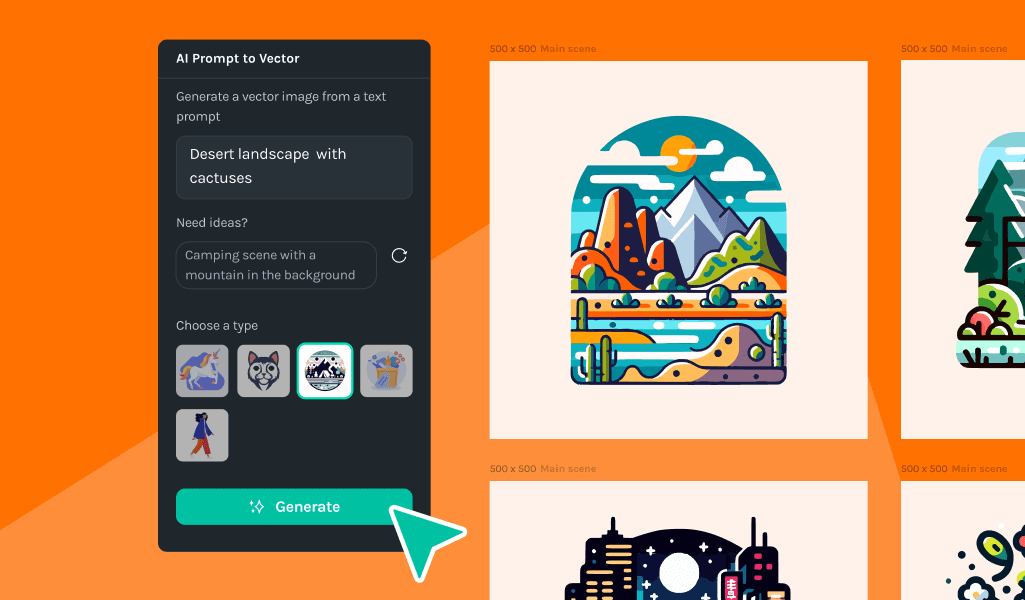
This release includes hotfixes and the inclusion of the AI Prompt to Vector plugin. The AI Prompt to Vector plugin for Lottie Creator allows you to convert creative prompts into stunning vector graphics easily. Utilizing advanced AI technology, this innovative plugin allows you to select from a variety of styles to match your project's aesthetic. It is designed to enhance creativity and streamline the design workflows so you can focus on animating your designs and telling your story.
Creator
Announcements
In our latest update, we've introduced exciting new features and significant improvements to enhance your animation workflow in Lottie Creator. Highlights include the ability to render compound SVGs correctly, innovative toggling between source and layer names in the timeline, and the introduction of moving path vertices with arrow keys for precise adjustments. We've also implemented an anchor lock tool, added a shadow box to the preview modal for better visual clarity, and introduced infinite scroll in the Lottie animations library to streamline your navigation experience. Alongside these new features, we've made improvements like shape-to-path conversions and mouse panning capabilities and addressed a variety of bug fixes, including tooltip clarifications, zooming enhancements, and playback consistency for duplicated nested scenes, ensuring a smoother, more intuitive user experience.
Creator
Announcements

This is a minor release with usability improvements and our state-of-the-art Duplicator plugin.
Creator
Announcements
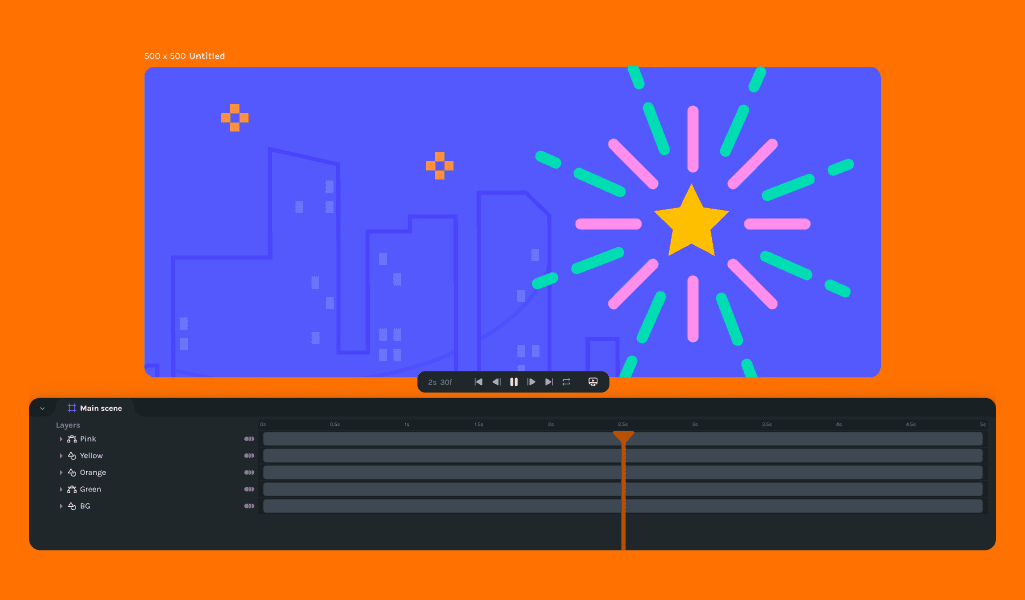
This release focuses on enhancing the animation creation experience with new features like trim path support and scrubber enhancements alongside significant bug fixes that improve playback realism, editing precision, and overall software reliability.
Creator
Announcements
The latest update introduces shape duplication, hotkeys for keyframes, nested scenes reordering, mobile warning overlay, export/import naming, and a pen and path tool. It also fixes several issues related to nested scenes offset, hotkey functionality, layer hotkeys, rendering order, shape extension, keyframe movement, rotation values, and asset import naming. Tooltips have been improved to provide better guidance.
Creator
Announcements

In the latest 1.0.0 update of Lottie Creator, we've introduced improved bezier rendering, drag-and-drop file importing, and incremental search in the Lottie Library, alongside improvements like optimized performance updates and enhanced compound path handling. New features facilitate seamless creation and collaboration, such as multiple keyframe selection and improved save flow error handling. Bug fixes address UI inconsistencies, enhance export functionalities, and improve overall user experience, ensuring smoother design workflows.
Creator
Announcements
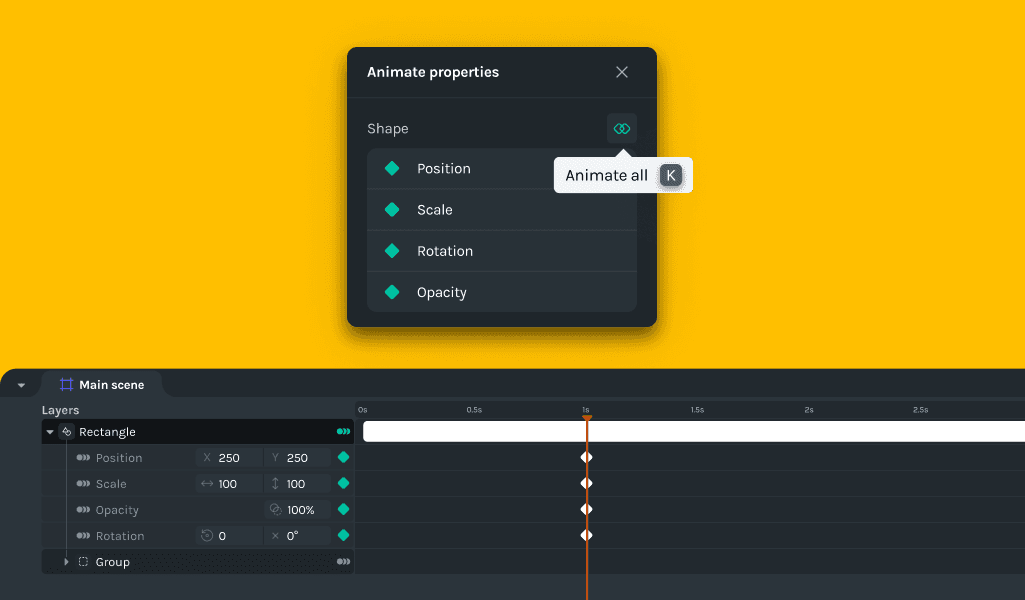
In this release, we've introduced exciting new features like file renaming, innovative trimming shortcuts, and enhanced shape selection with right-click functionality, along with an 'animate all' shortcut. We've made significant improvements, including enhanced scale transformations, refined undo behaviors in property panels, and improved numeric input control and SVG import rendering. Additionally, we've addressed critical bug fixes, resolved draw order issues, corrected play-head behavior, standardized default naming for SVG imports, and fixed tabbing and case sensitivity in delete/backspace functions.
Creator
Announcements

In this update, we added custom cursors, context menus, and visual feedback. Improvements include better scene names, and a simplified appearance. The software also fixed bugs related to multi-selection, playhead position, and canvas updates.
Creator
Announcements
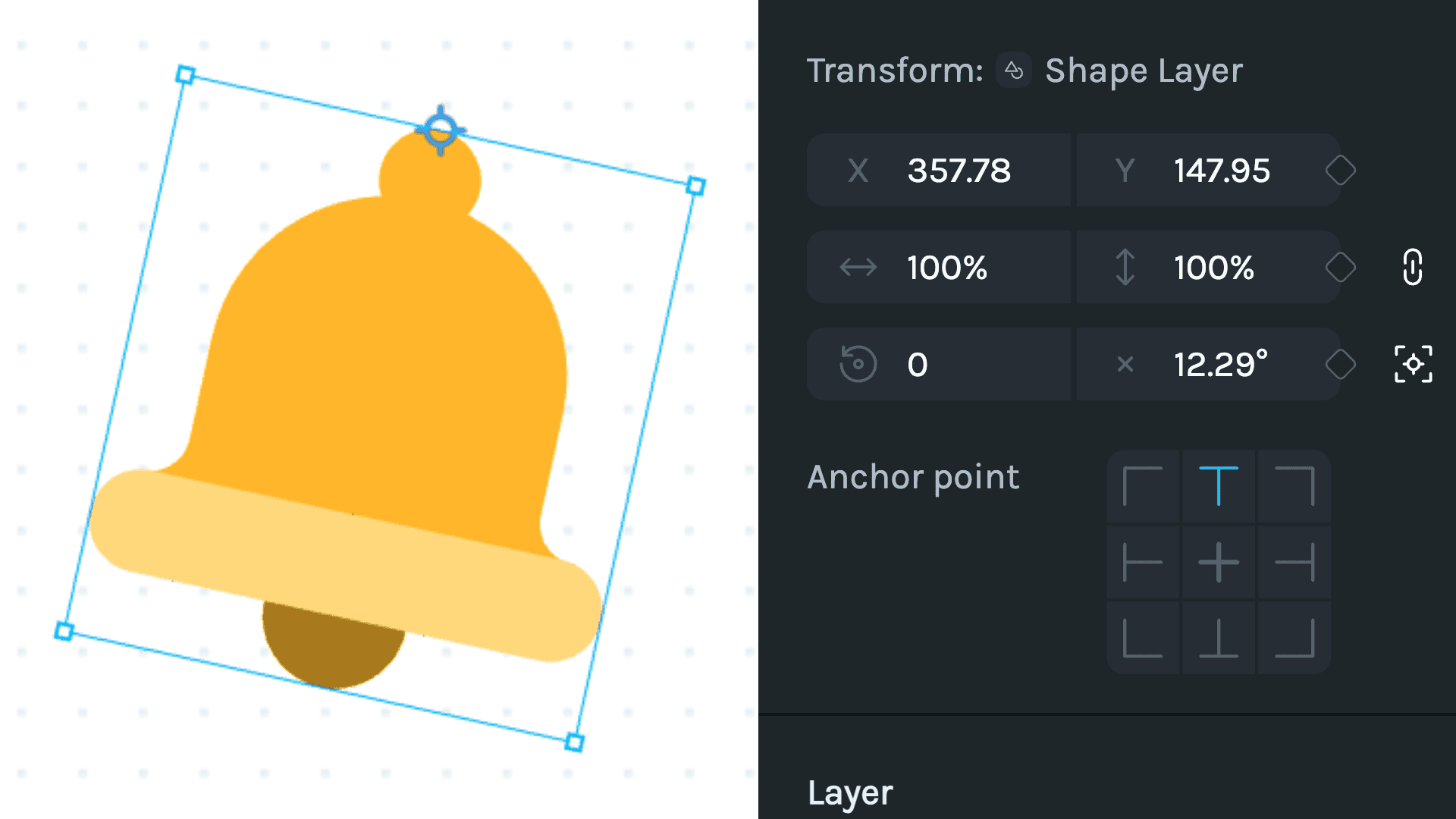
This is a minor release for General Availability. It only includes a better anchor selection and faster timeline scrubber.
Creator
Announcements
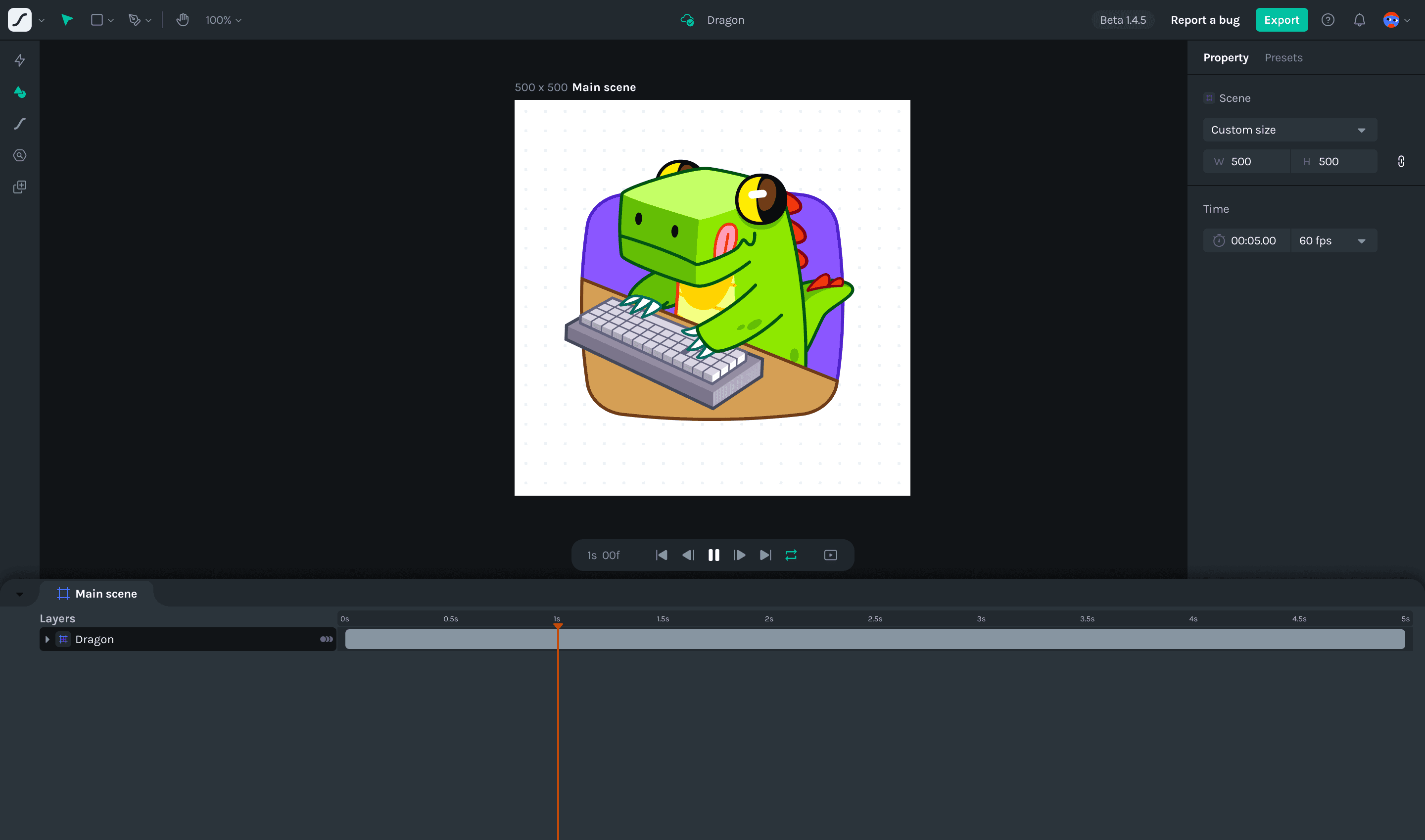
With this release, users can expect a more stable and user-friendly experience. The bug fixes address various issues, ensuring smoother workflow and accurate results. The new features and improvements enhance the toolset's capabilities and provide more control and flexibility to users. We will continue to listen to user feedback and iterate on the product to enhance its functionality and usability further.
Creator
Announcements

This release includes several improvements and bug fixes to enhance the overall user experience of our application. We have introduced new features, fixed existing issues, and made various usability enhancements. We have focused on optimizing the user interface, fixing bugs, and introducing new features to enhance the overall usability of our application. We believe these changes will greatly improve your animation workflow and provide a more intuitive and efficient experience. We hope you enjoy using these new features and enhancements!
Creator
Announcements

We are excited to announce the release of a new update that brings several improvements and bug fixes to our software. This changelog provides a detailed overview of the changes made, including the reasons behind them and the resulting benefits for users.
Creator
Announcements

In this release, we've made several important changes and fixes to enhance the functionality and usability of Lottie Creator. These updates address various issues reported by users and aim to provide a smoother and more efficient experience.
Creator
Announcements

These changes aim to enhance various aspects of Lottie Creator, including selection management, copy-paste functionality, playback controls, render order, timeline interaction, layer removal, clipboard operations, and user experience improvements. You will now have more control and flexibility while working on your animations.
Creator
Announcements

In this release, we have made several minor and patch changes to enhance the functionality and user experience of our application. These changes address specific issues, introduce new features, and improve performance. Here's a detailed overview of what has been improved:
Creator
Announcements

These updates enhance user experience by introducing new features, fixing bugs, and implementing user-driven improvements. Enhanced features include shortcuts for export, improved history tracking, visually appealing animations for errors, and a reduced autosave interval to minimize data loss. The overall result is a more stable, user-friendly application with convenient functions like adjusting canvas size for Lottie animations and easy click-and-drag repositioning of group shapes.
Creator
Enhancement

Lottie Creator's latest update includes a range of features, fixes, and improvements to enhance user experience, provide more control and flexibility within the tool, and resolve known issues. You can expect improvements in visual rendering, usability, customization options, and the overall stability of Lottie Creator.
Creator
Features
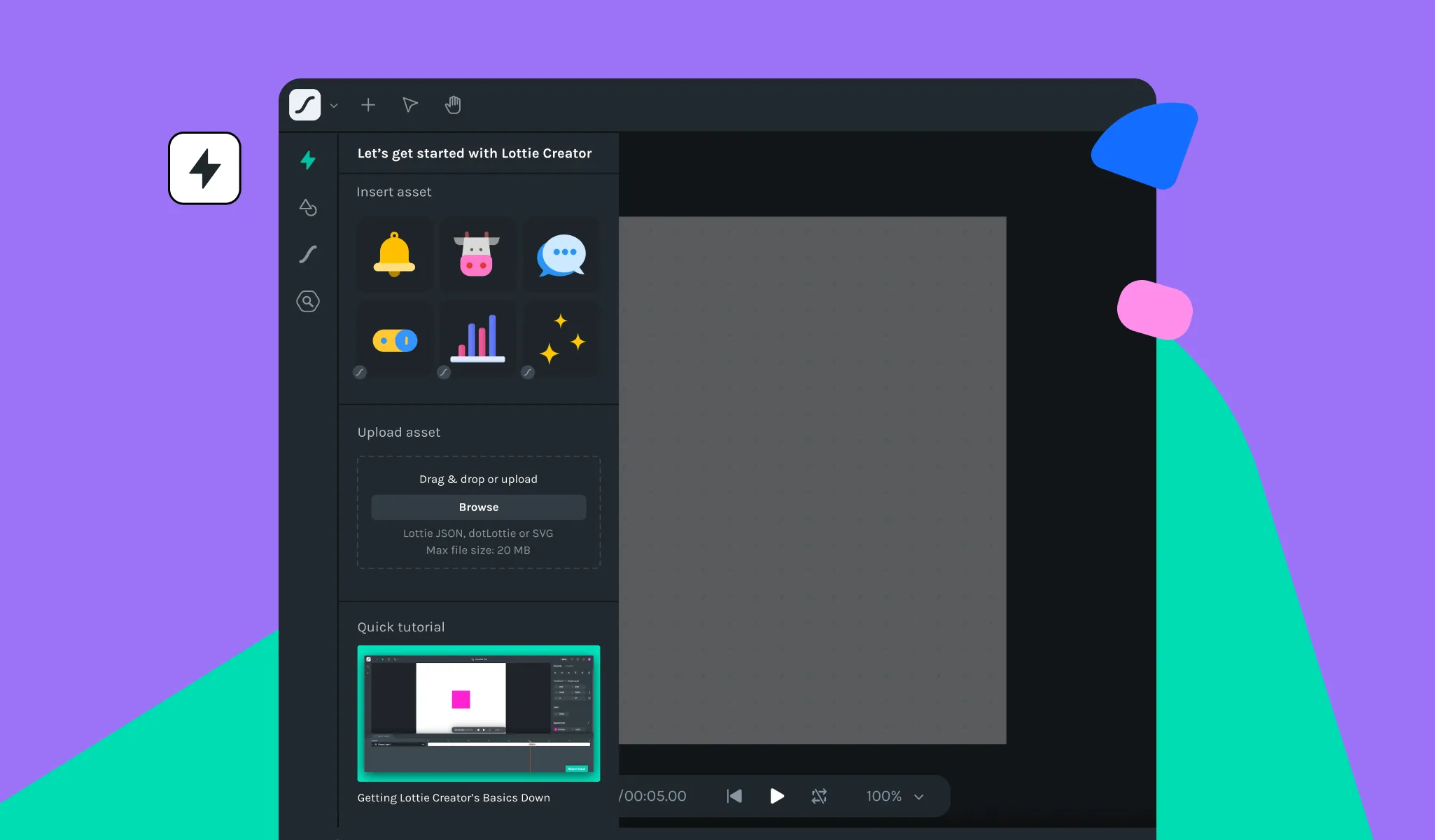
We're back with a bang! Our latest release is packed with dazzling updates and enhancements. Brace yourselves as we introduce you to the future of motion with Lottie Creator.
Creator
Fix
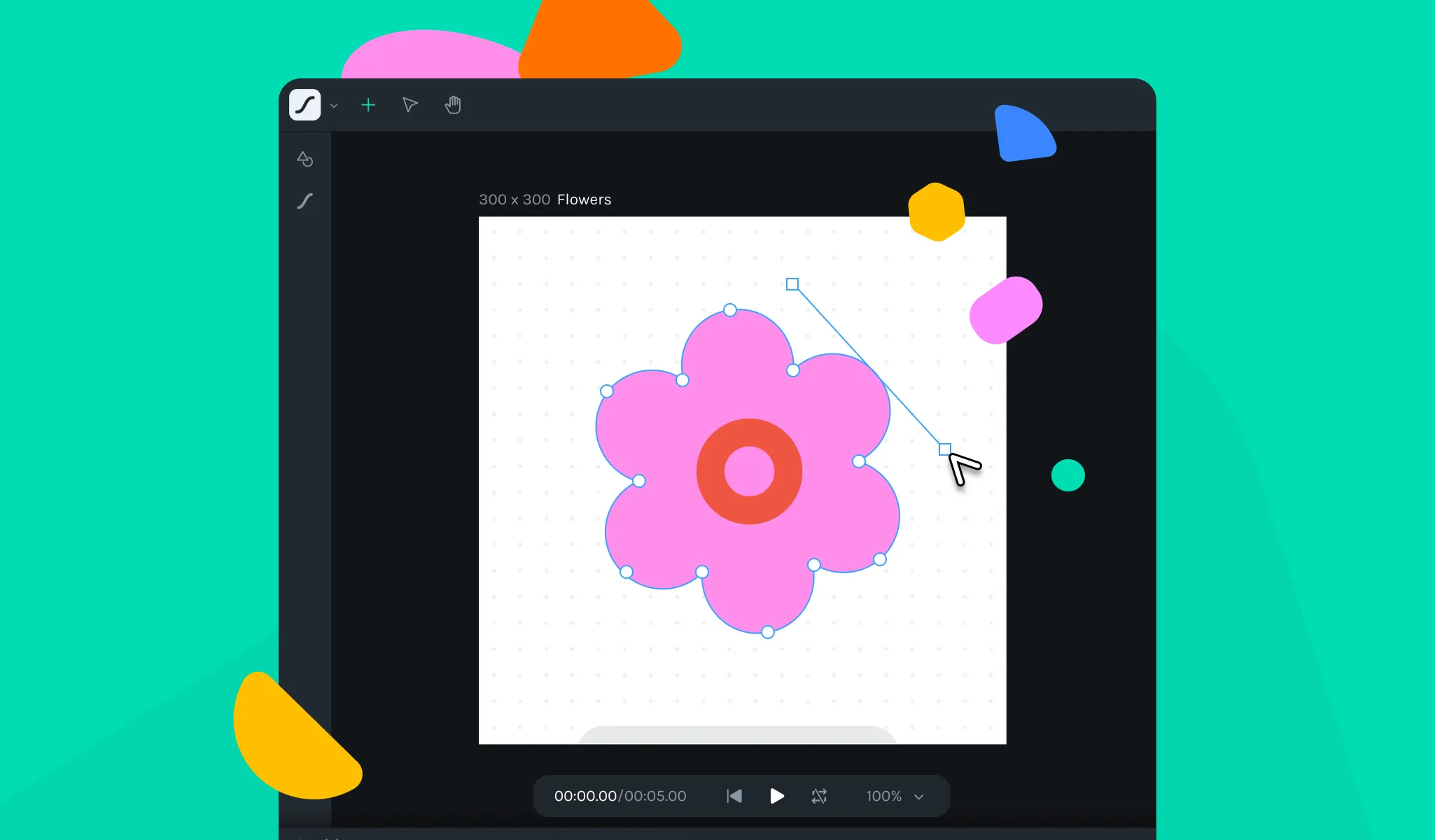
In this release, we have addressed several issues reported by our users. Here are the details of what we've changed: Scale Ratio Lock Property: We fixed an issue where changing the scale ratio lock property was affecting other Shapes' properties. Vertex Points Visibility: We have fixed the issue where
Creator
Fix
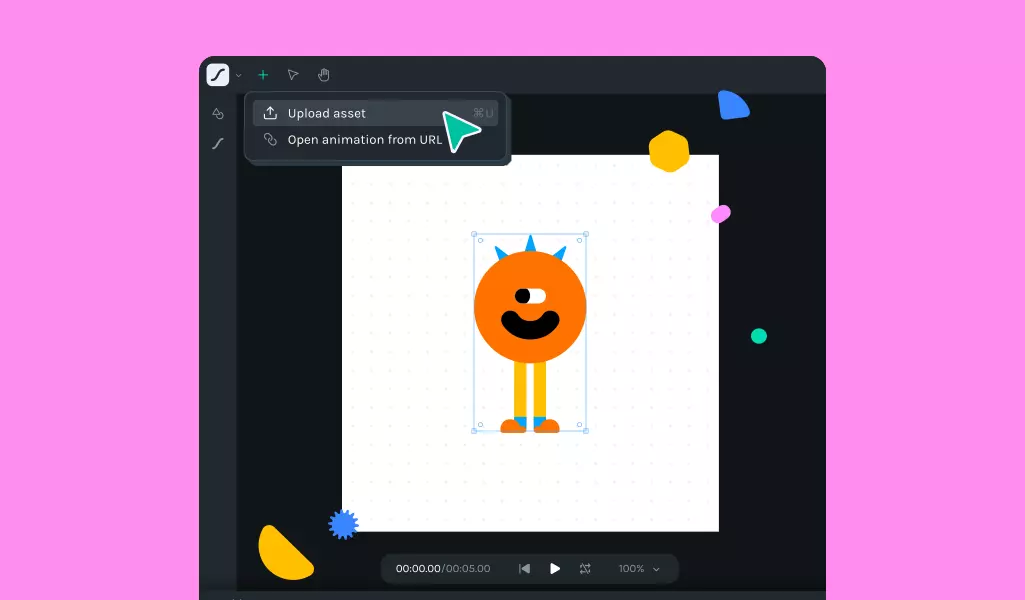
We are thrilled to announce the latest release of Lottie Creator (v0.33), packed with bug fixes that enhance your user experience. Here is what you can expect from this update: When importing SVG, it is now automatically centered on the canvas. We have added a version label in the header to make
Creator
Announcements
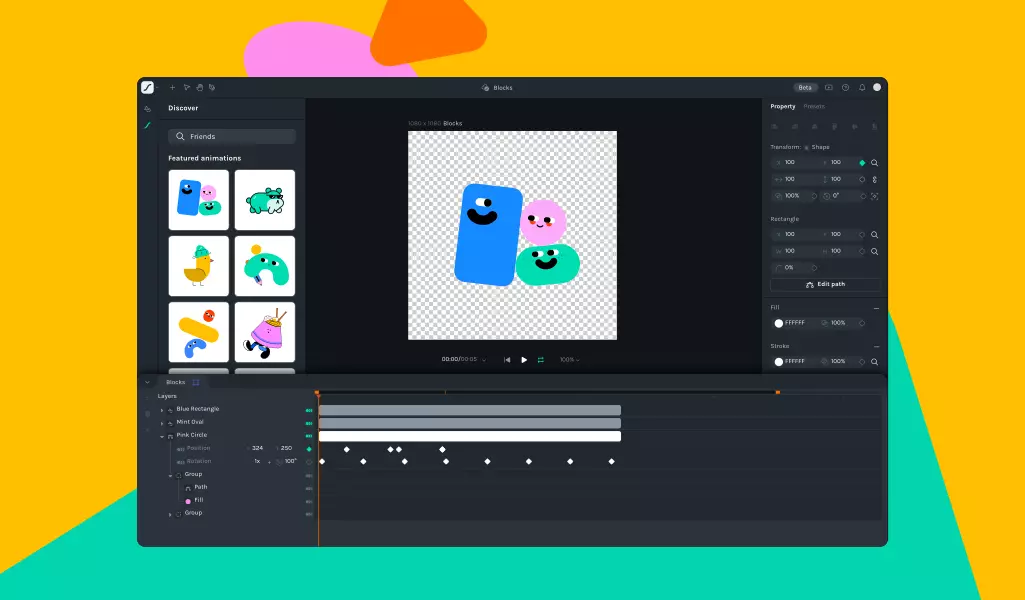
Exciting news! Lottie Creator is moving to the private beta phase 🎉 This means that a select group of users will now get to experience the magic of Lottie Creator firsthand.With its range of amazing features, from importing and testing animations to adjusting scenes and animation properties, Lottie Creator is